◉ LIVE
AI Cartoon GeneratorPixel Character MakerPixel Mood Calendar90s Cartoon StylePeanuts-Style AvatarPixel Christmas CardsFitCheck AI RoastCommunity GalleryRubber-Hose 1930sPhoto to Cartoon FreePet Portraits AIVintage Fashion 2026AI Cartoon GeneratorPixel Character MakerPixel Mood Calendar90s Cartoon StylePeanuts-Style AvatarPixel Christmas CardsFitCheck AI RoastCommunity GalleryRubber-Hose 1930sPhoto to Cartoon FreePet Portraits AIVintage Fashion 2026

🎄 Make Your Own Pixel Christmas Card – Free
A pixel art Christmas card is simple to make, prints cleanly and looks good on a phone screen. Below are card ideas in a 16-bit style: elves, polar bears, cats, a gingerbread man, a penguin and a little yeti, each in a snowy scene with a short holiday greeting.

Every card on this page was made with the free Pixel Christmas Card Maker on Toonizer. It is not an AI tool: the cards are built from ready-made pixel-art pieces, and you choose the scene, frame, character, holiday wear and greeting yourself. You can recreate any of these or make your own version in a couple of minutes.

Merry Christmas cards
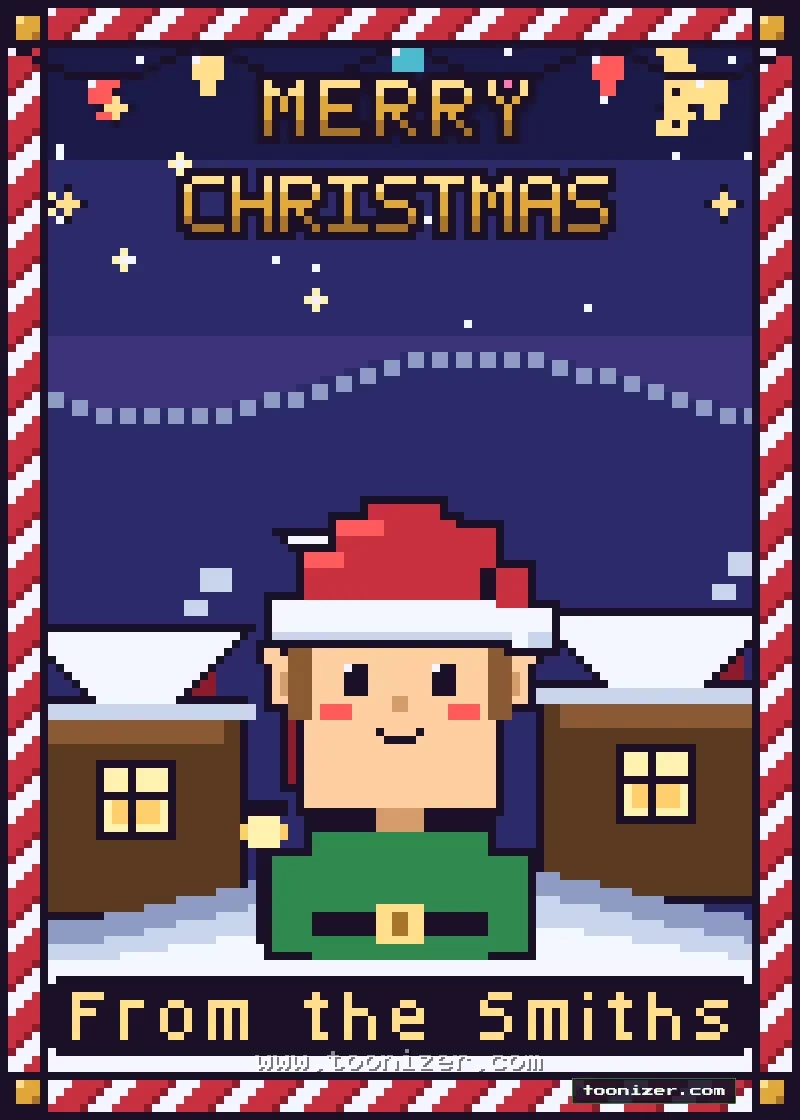
Pixel art Christmas card with an elf in a Santa hat in a snowy village with a candy cane frame and Merry Christmas lettering
An elf in a Santa hat, a snowy village at night and a red and white candy cane frame.
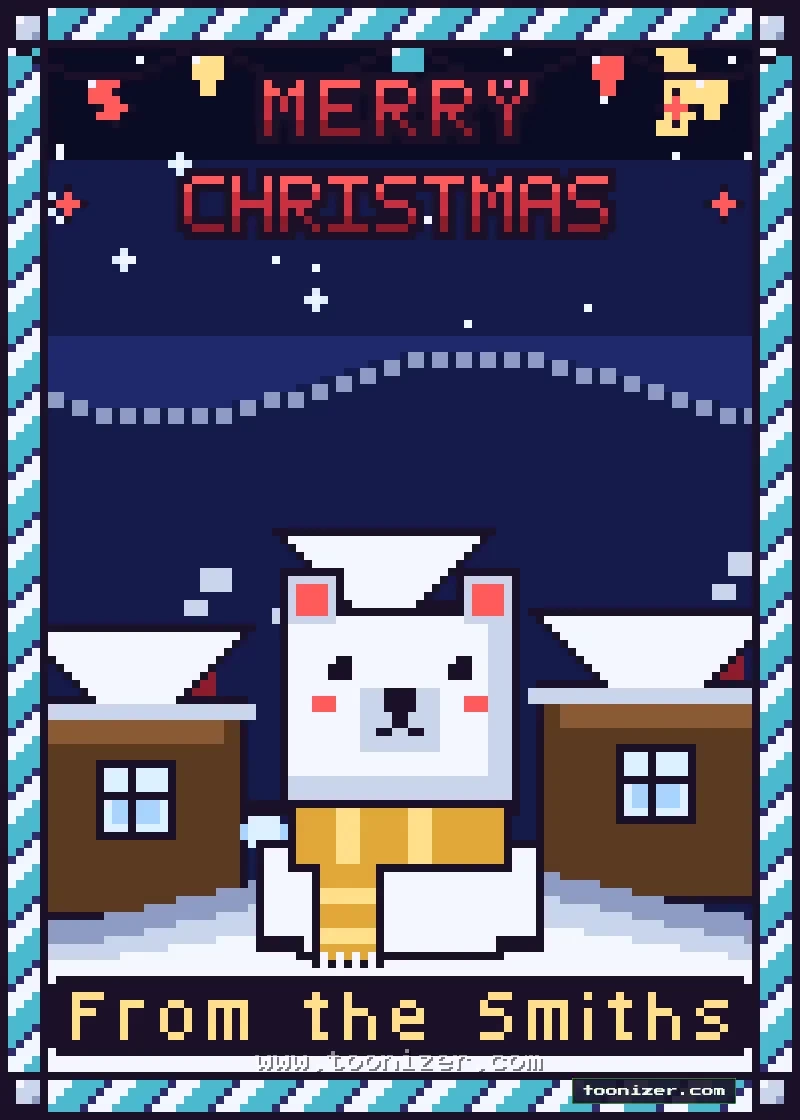
Pixel art Christmas card with a polar bear in a yellow scarf in a snowy village at night and Merry Christmas lettering
A polar bear in a yellow scarf between two snowy houses, with a striped blue frame.
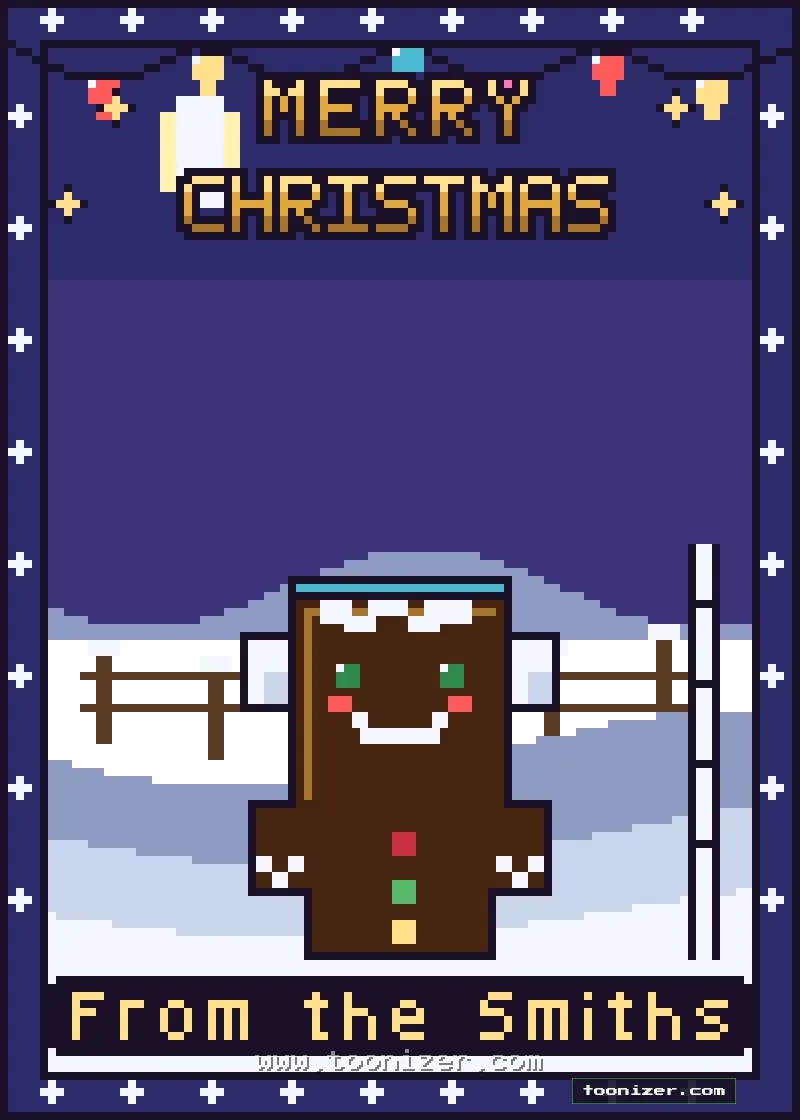
Pixel art Christmas card with a smiling gingerbread man on a snowy field under string lights and Merry Christmas lettering
A gingerbread man on a snowy field under string lights.
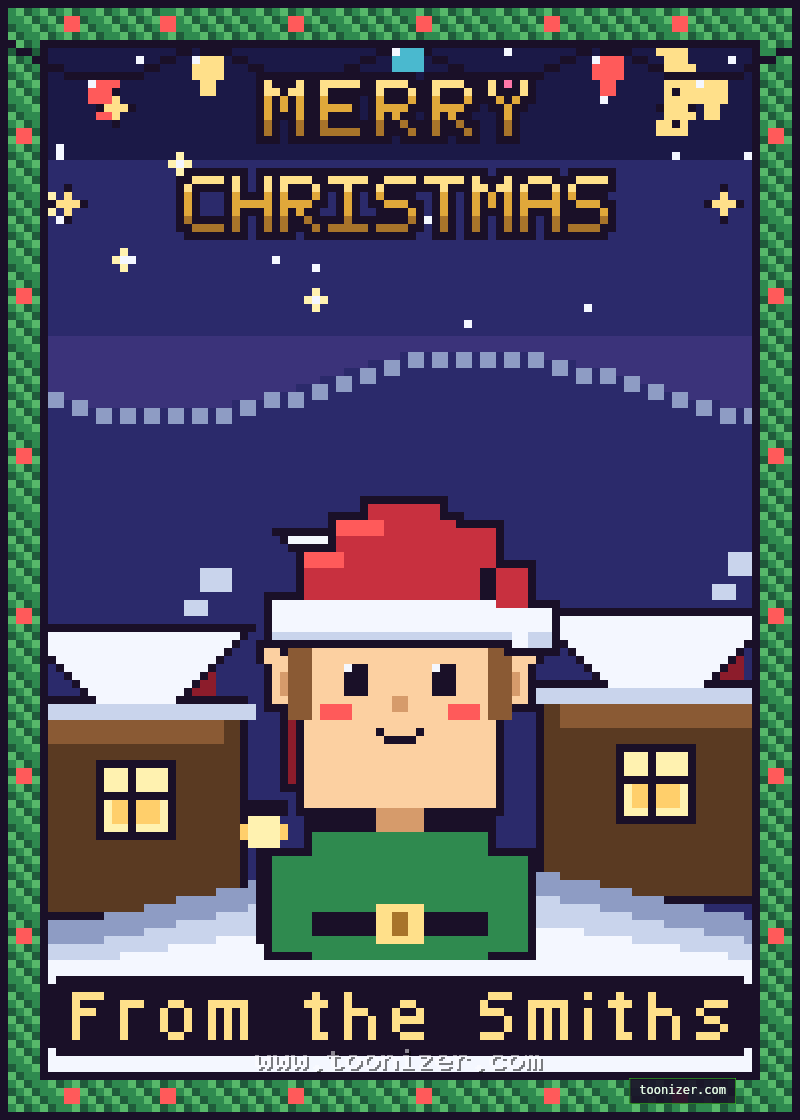
Pixel art Christmas card with an elf in a Santa hat in a snowy village at night under string lights and Merry Christmas lettering
Cozy night: an elf in a snowy village with string lights. This one is a preset in the tool.

Joy to the World cards

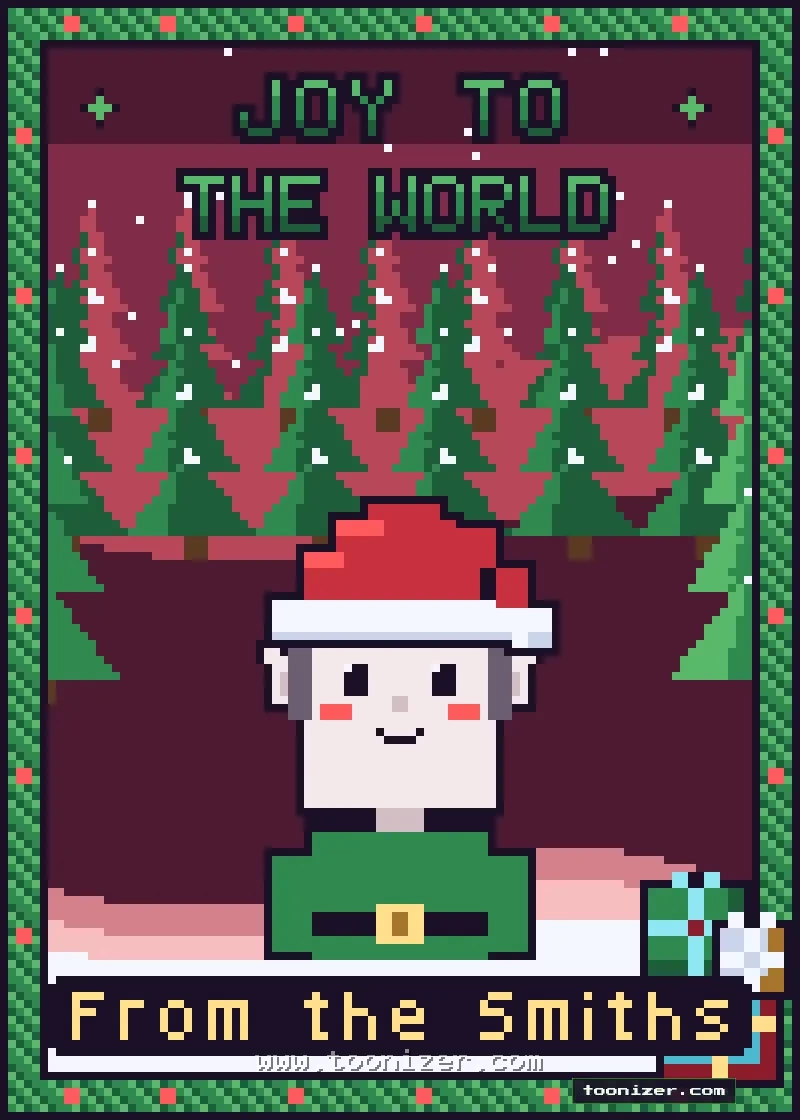
Pixel art Christmas card with an elf in a Santa hat in a snowy pine forest and Joy to the World lettering
An elf in a Santa hat in a pine forest, with a holly-style green frame.
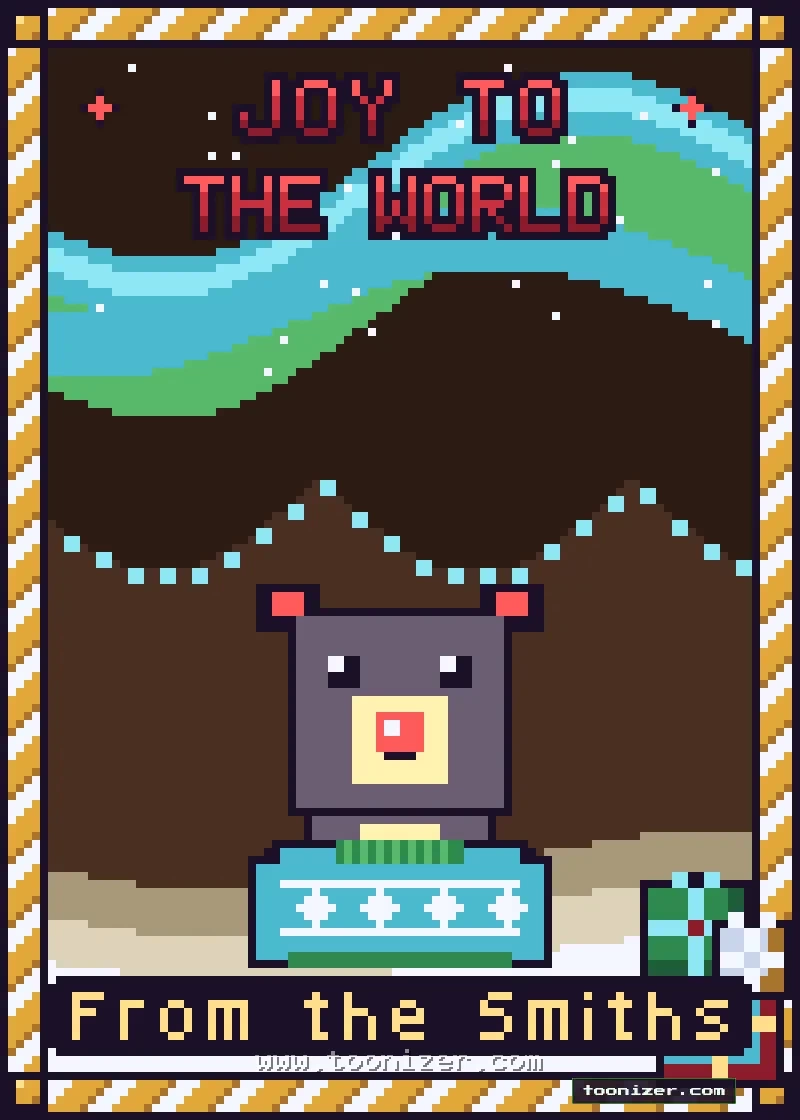
Pixel art Christmas card with a small bear in a holiday sweater under the northern lights next to a gift and Joy to the World lettering
A small bear in a patterned holiday sweater under the northern lights.
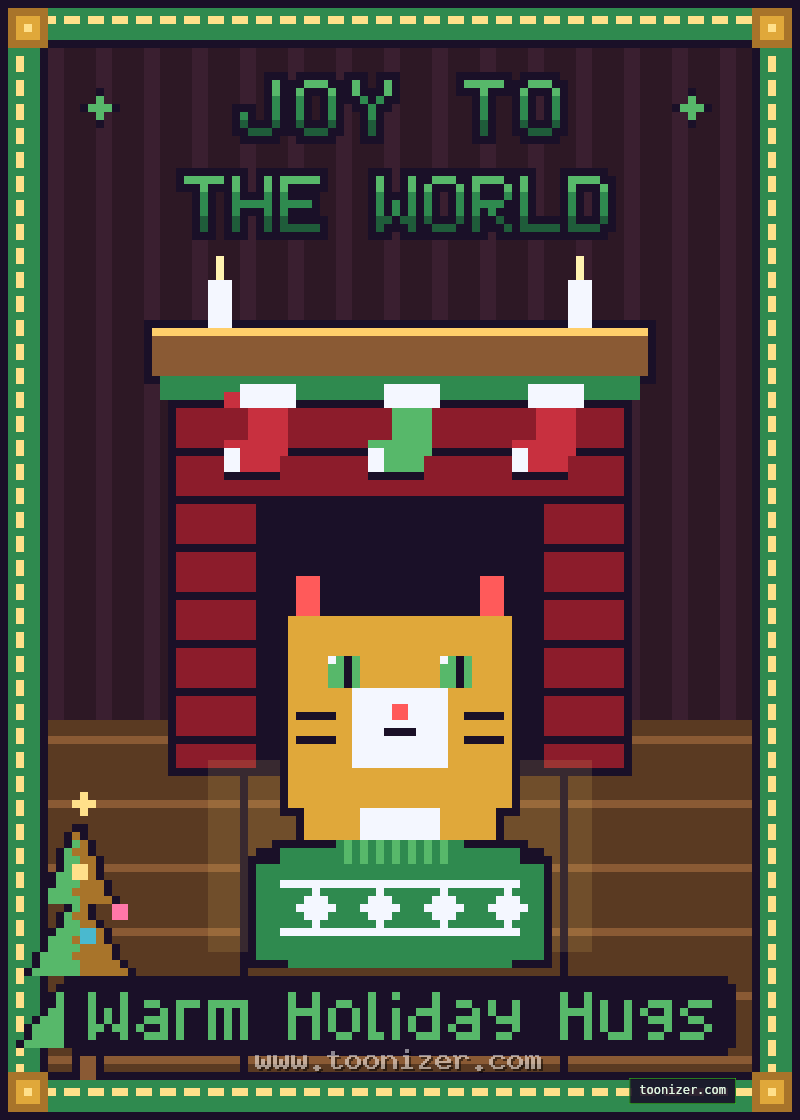
Pixel art Christmas card with a cat in a holiday sweater by the fireplace next to a small tree and Joy to the World lettering
Fireside: a cat in a holiday sweater by the fireplace. A preset in the tool.

Season’s Greetings and Happy Holidays cards
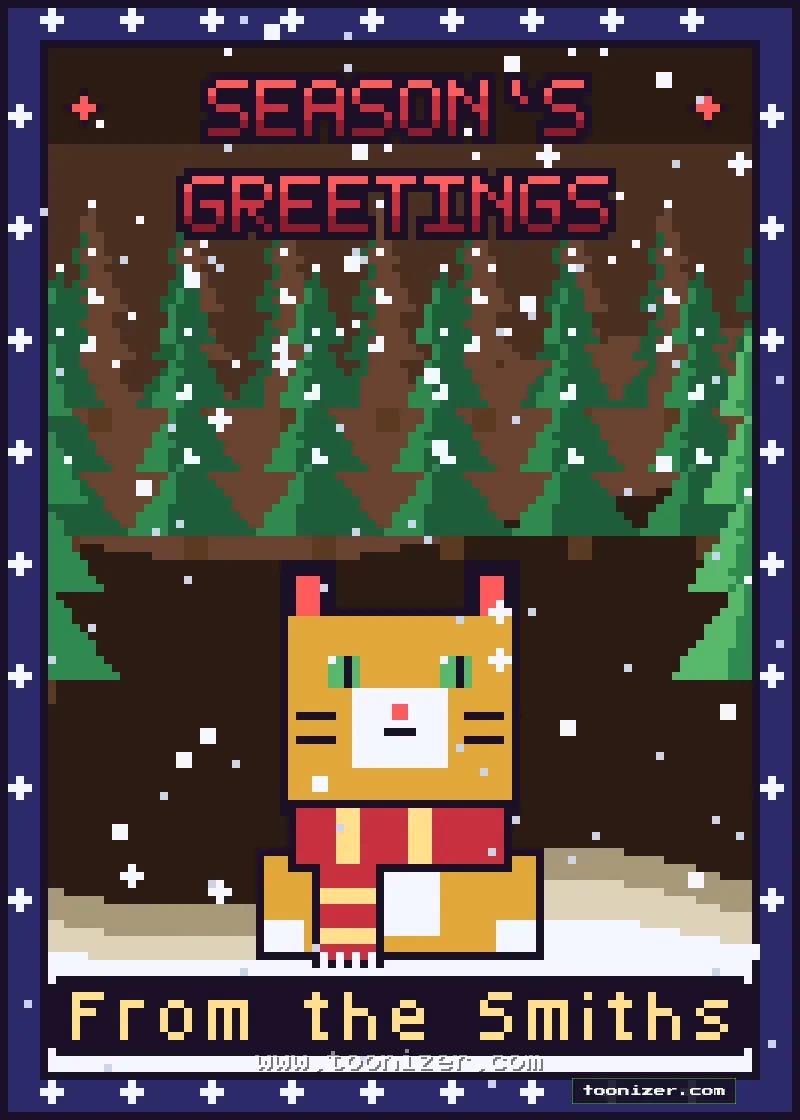
Pixel art Christmas card with an orange cat in a red striped scarf in a snowy pine forest and Season's Greetings lettering
An orange cat in a red striped scarf in a snowy forest.
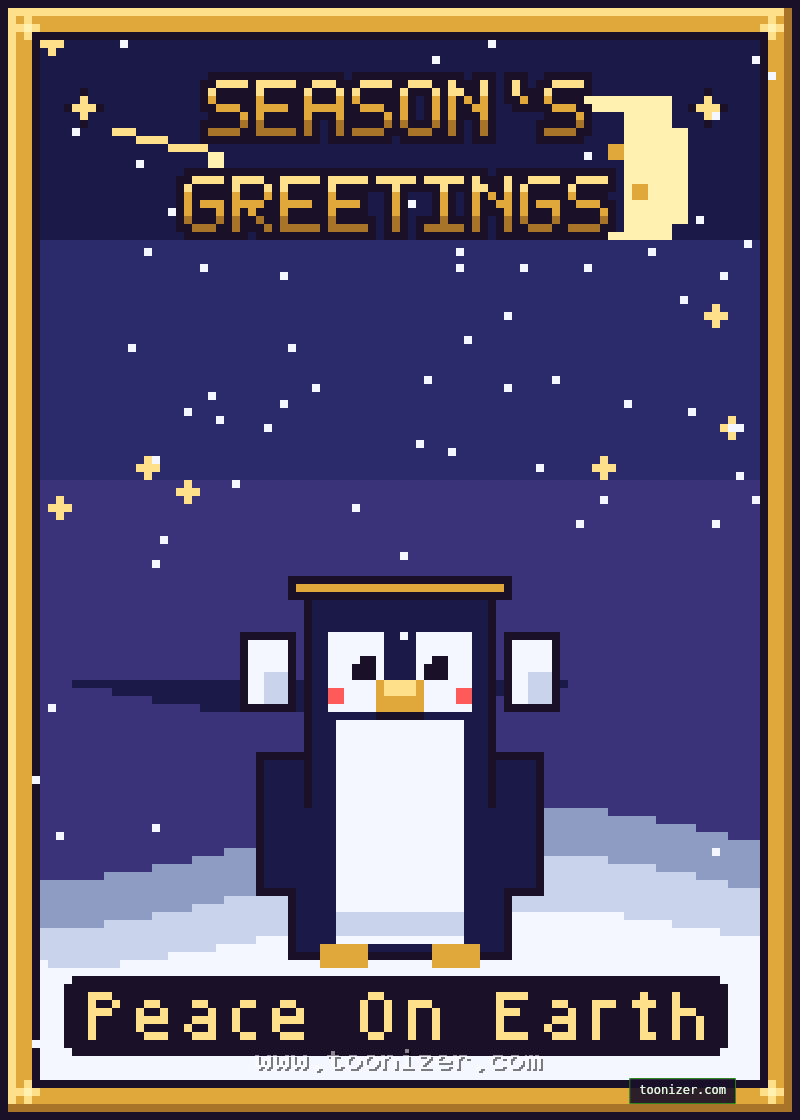
Pixel art holiday card with a penguin under a starry sky in a gold frame and Season's Greetings lettering
Starry: a penguin under a starry sky in a gold frame. A preset in the tool.
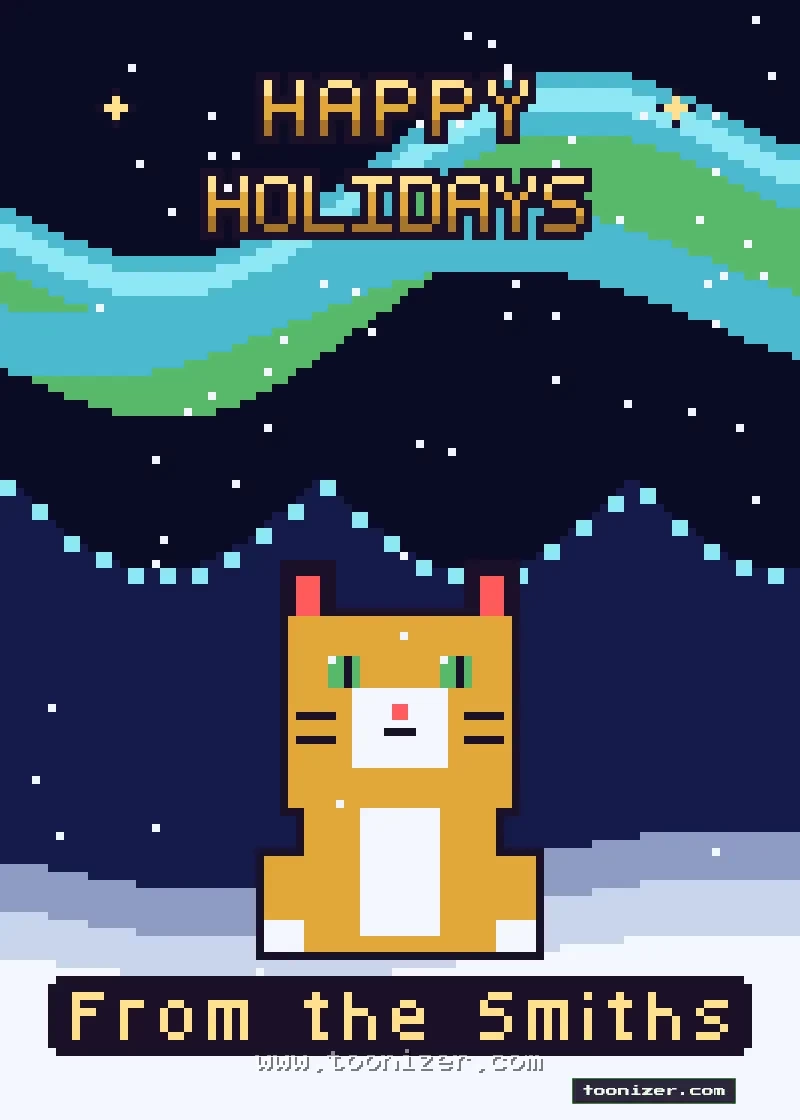
Pixel art holiday card with an orange cat sitting in the snow under the northern lights and Happy Holidays lettering
A cat sitting in the snow under green and blue northern lights.
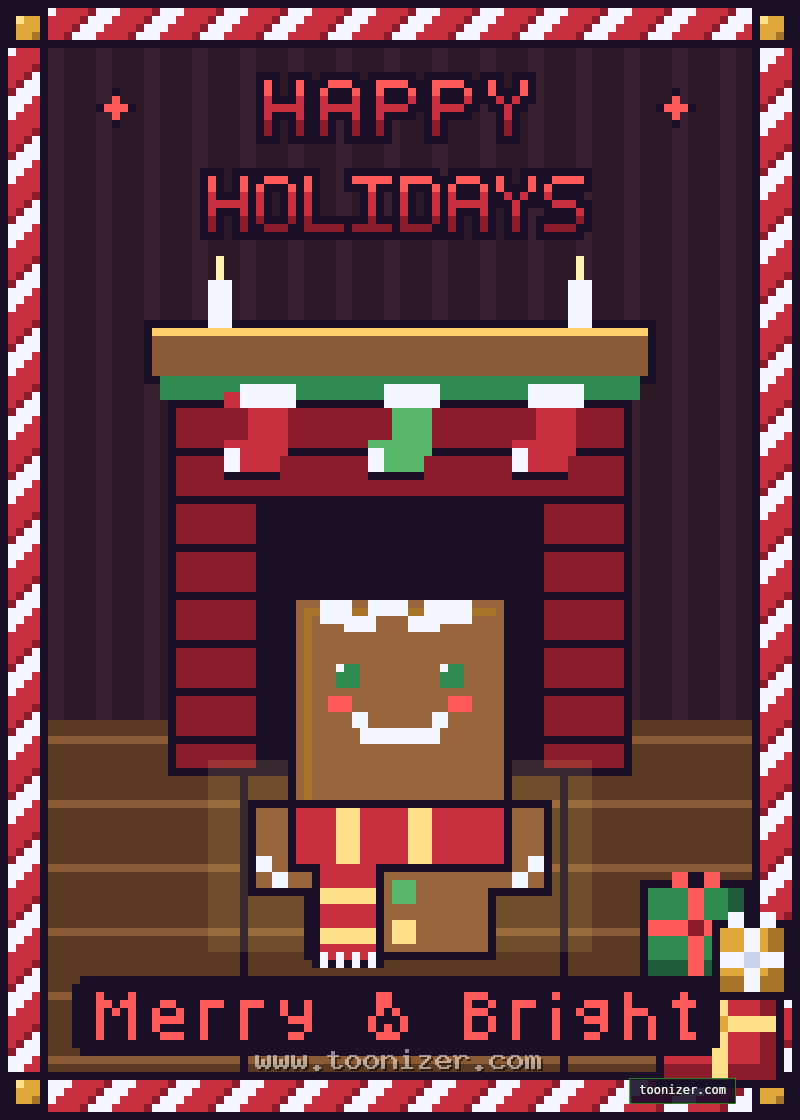
Pixel art holiday card with a gingerbread person in a scarf by the fireplace with gifts and Happy Holidays lettering
Gift time: a gingerbread person by the fireplace with gifts. A preset in the tool.

Winter cards

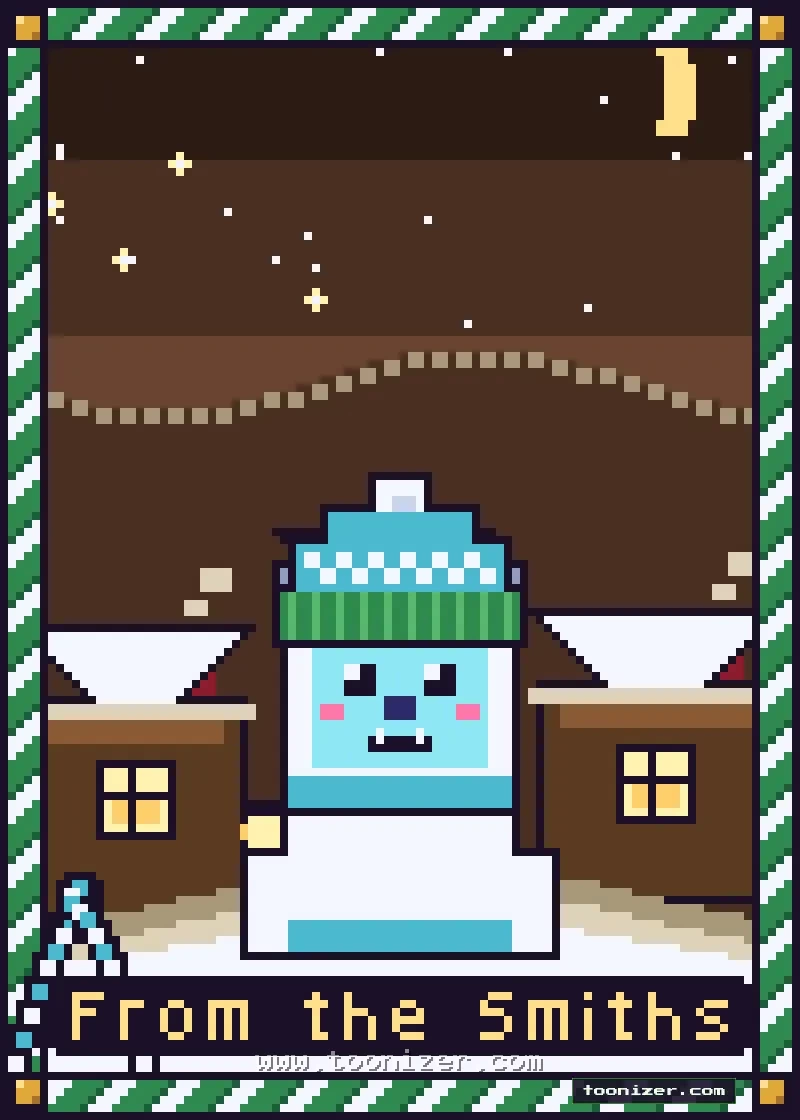
Pixel art winter card with a small blue yeti in a knitted beanie in a snowy village under a crescent moon
A little yeti in a knitted beanie, with no greeting at the top, for a quieter card.
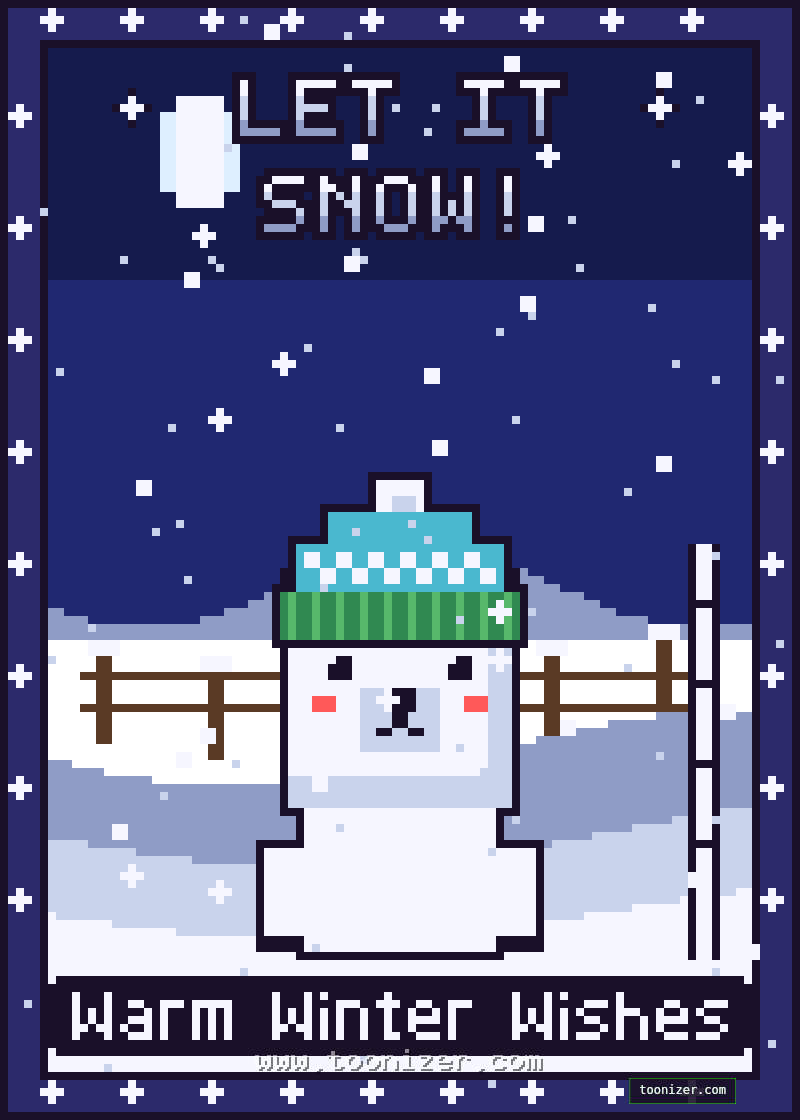
Pixel art winter card with a polar bear cub in a knitted beanie on a snowfield and Let It Snow lettering
Snow day: a polar bear cub in a beanie with Let It Snow lettering. A preset in the tool.

Happy New Year cards

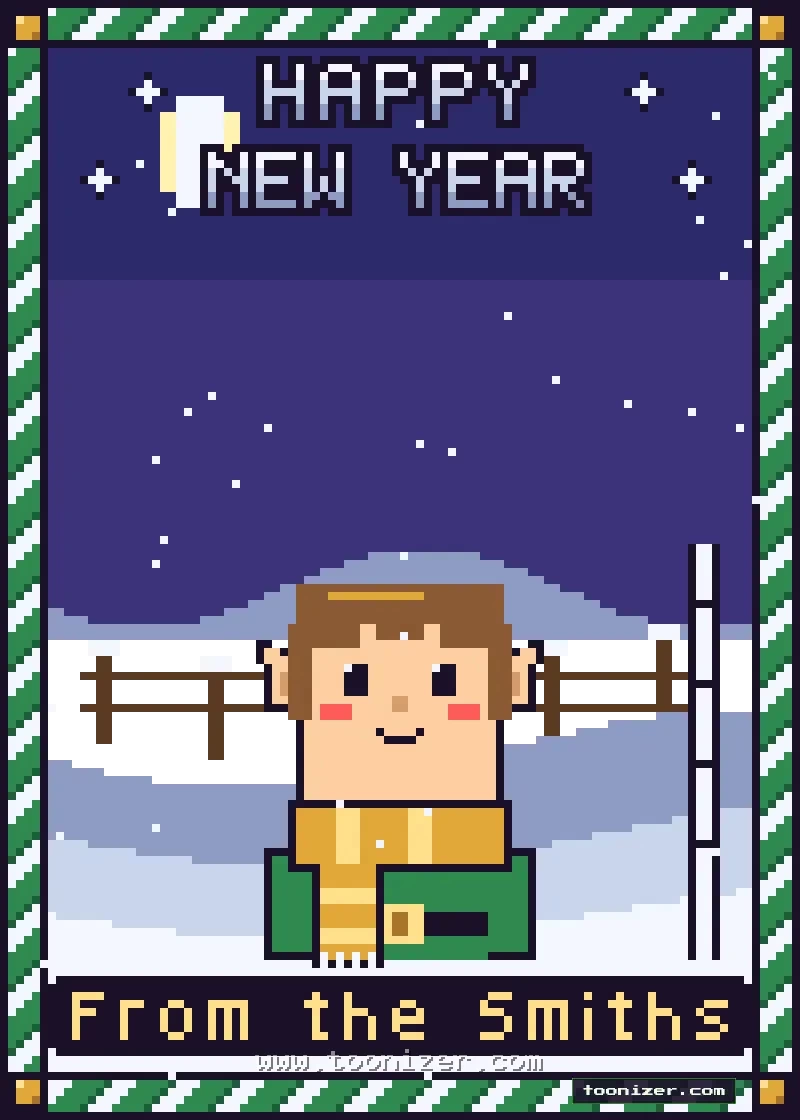
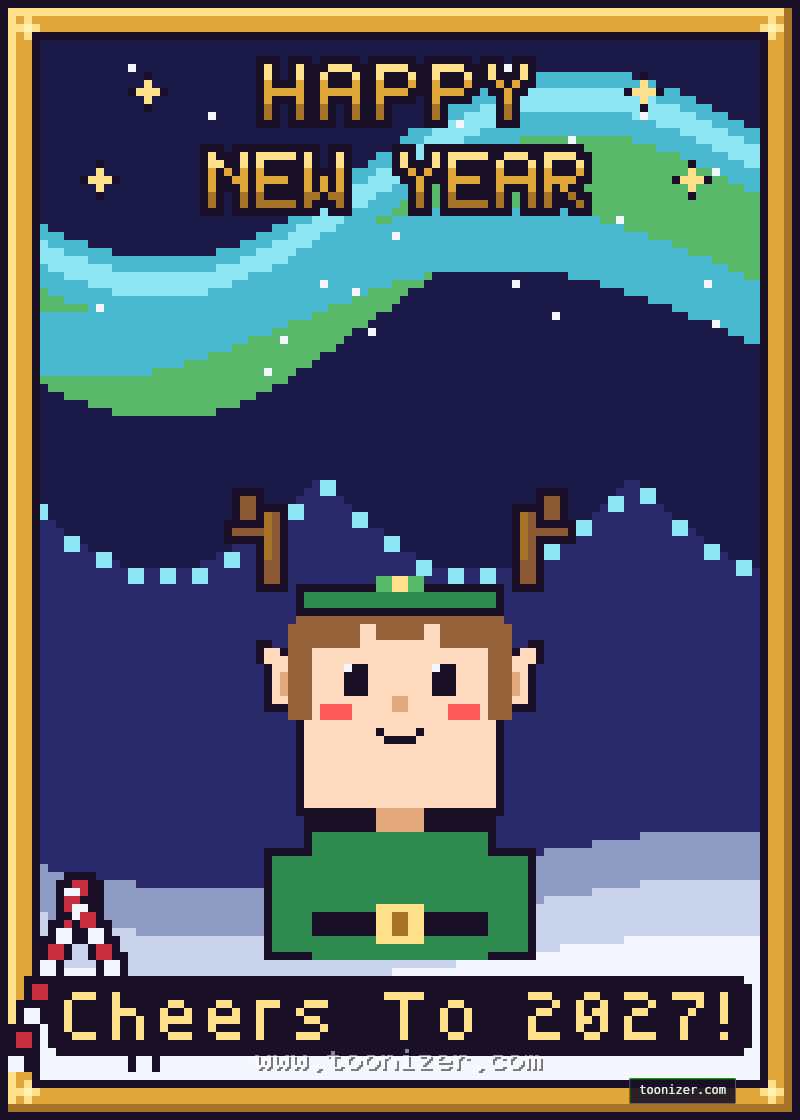
Pixel art New Year card with an elf in a gold scarf on a snowy field at night and Happy New Year lettering
An elf in a gold scarf on a snowy field by a wooden fence.
Pixel art New Year card with an elf wearing antlers under the northern lights and Happy New Year lettering
New Year: an elf with antlers under the northern lights. A preset in the tool.

How to make your own pixel Christmas card

1. Build the card. Open the Pixel Christmas Card Maker and go through the tabs: scene, frame, character, holiday wear, decorations and greeting. If you are not sure where to start, pick a preset or press Random a few times.

2. Add your line. Write a name or a short wish at the bottom, up to 18 characters, in white, gold, red or green.

3. Download or send. Choose a size and save the PNG. On a phone, the Share button sends the card straight to a messaging app.

Printing and sharing

The cards are drawn on a small pixel grid and enlarged by whole numbers, so every pixel stays a sharp square. Choose Print 5×7 (1500×2100 pixels) for printing at home or at a photo shop, Share card (800×1120) for messages and email, or Story (1080×1920) for Instagram and WhatsApp stories.

The tool is free, needs no sign-up and has no download limit.

🎄 Make Your Pixel Christmas Card


0 Comments