AI Cartoon Generator
Instantly Free
AI Cartoon Generator · 12 One-Tap Styles · Free
Toonizer is a free, browser-based AI cartoon generator that turns photos into cartoon art. Upload any selfie, family photo or pet picture up to 10 MB, tap a channel or describe the style in your own words, and download the result in seconds — no install, no credit card.
Upload Your Photo
Any selfie, family photo or pet picture. JPG, PNG, WEBP or GIF up to 10MB. Works on mobile and desktop.
Choose a Cartoon Style
Tap one of the 12 channels above, or write your own prompt in plain language.
Download & Share
Your cartoon arrives in seconds. Download it, post it, or make it your profile picture.
Themed generators
Separate generators for specific occasions, each with its own presets and layout.
Style notes & retro rabbit holes
Where the cartoon styles come from — analog photography, vintage animation and the aesthetics people keep asking us to toonize.
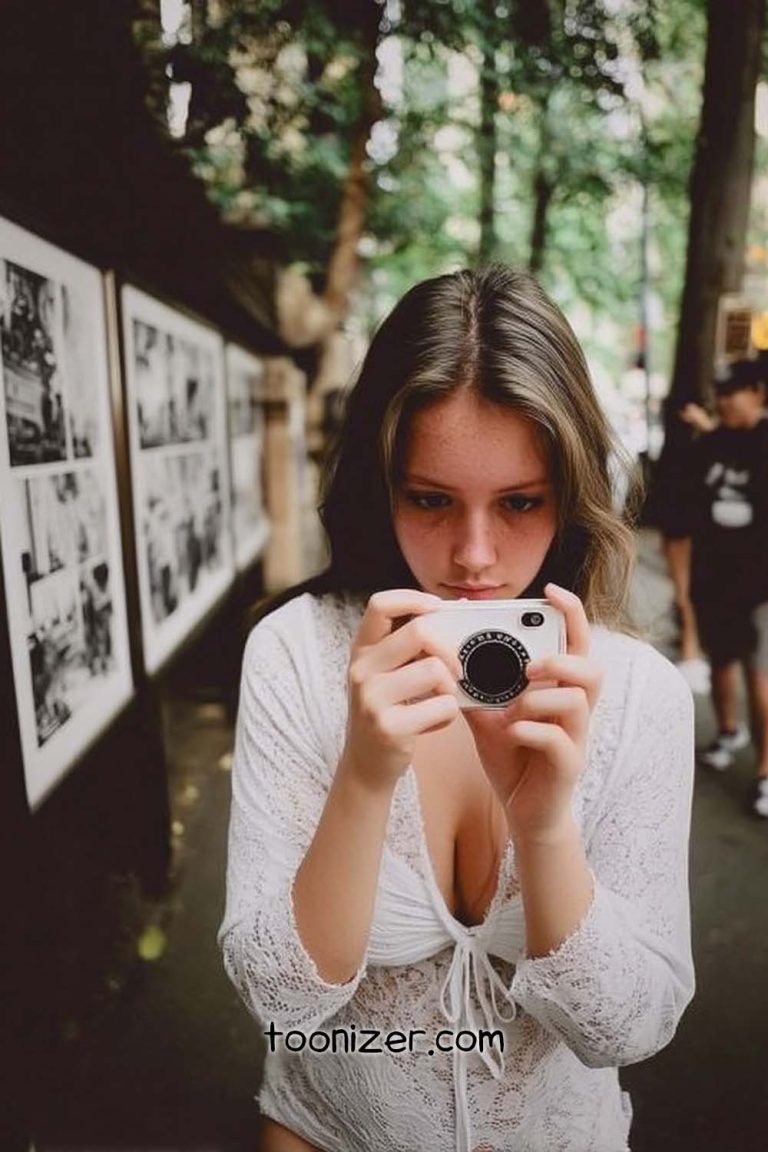
Film Stock Looks: A Visual Guide to Analog Color, Grain and Mood
Warm, soft, cool, black-and-white or faded: a visual guide to how different film stocks change color, grain and…
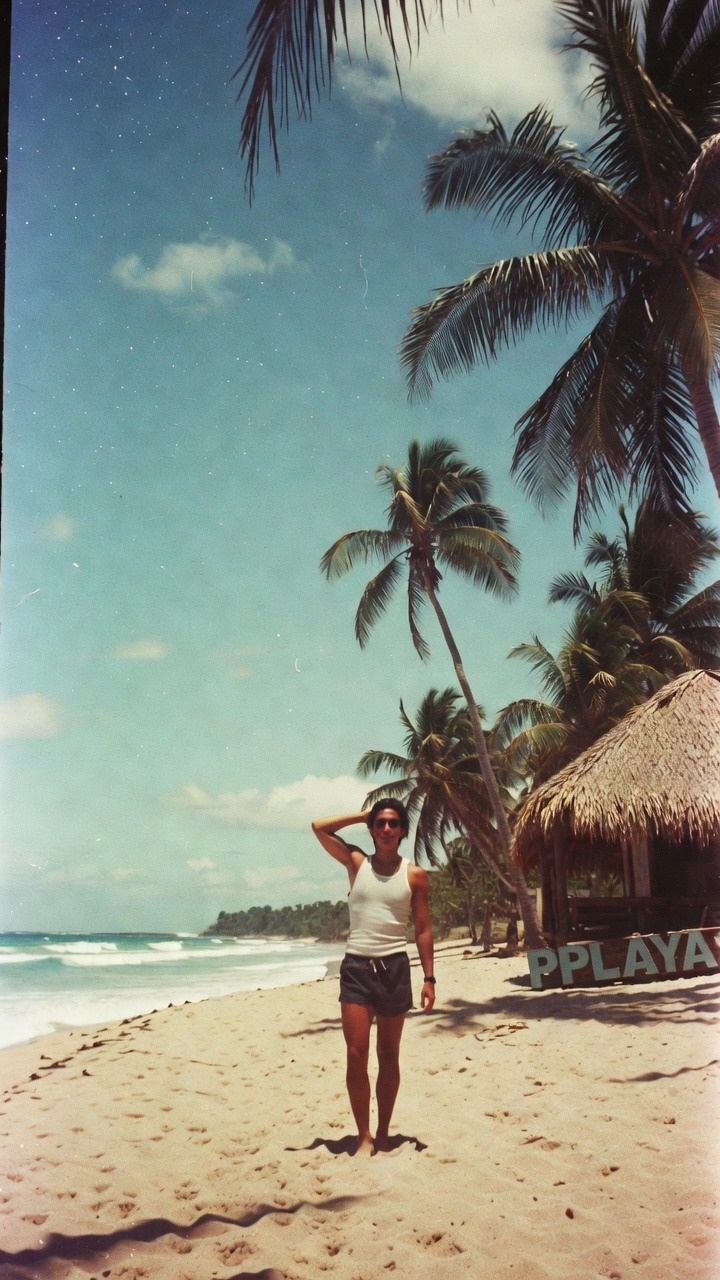
Winter Sun on Film: Keeping an Analog Travel Journal in Warm, Faraway Places
A slow way to travel in winter: carry a film camera and a small sketchbook to a warm,…
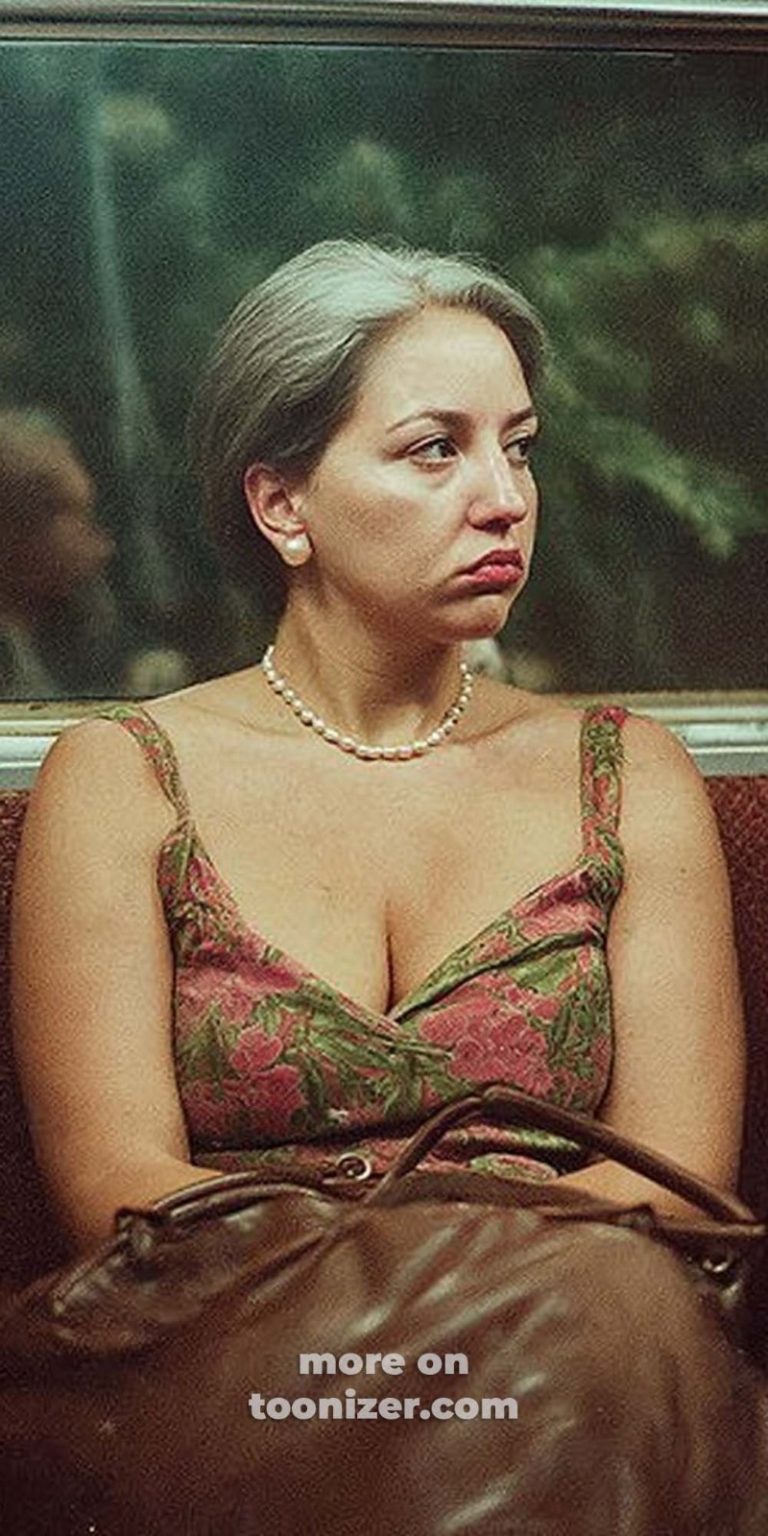
These Vintage Photos Are Fake. We Made Them. Here Is How to Tell.
Every “analog” photo in our galleries was made with AI. Here are nine signs that give fake vintage…
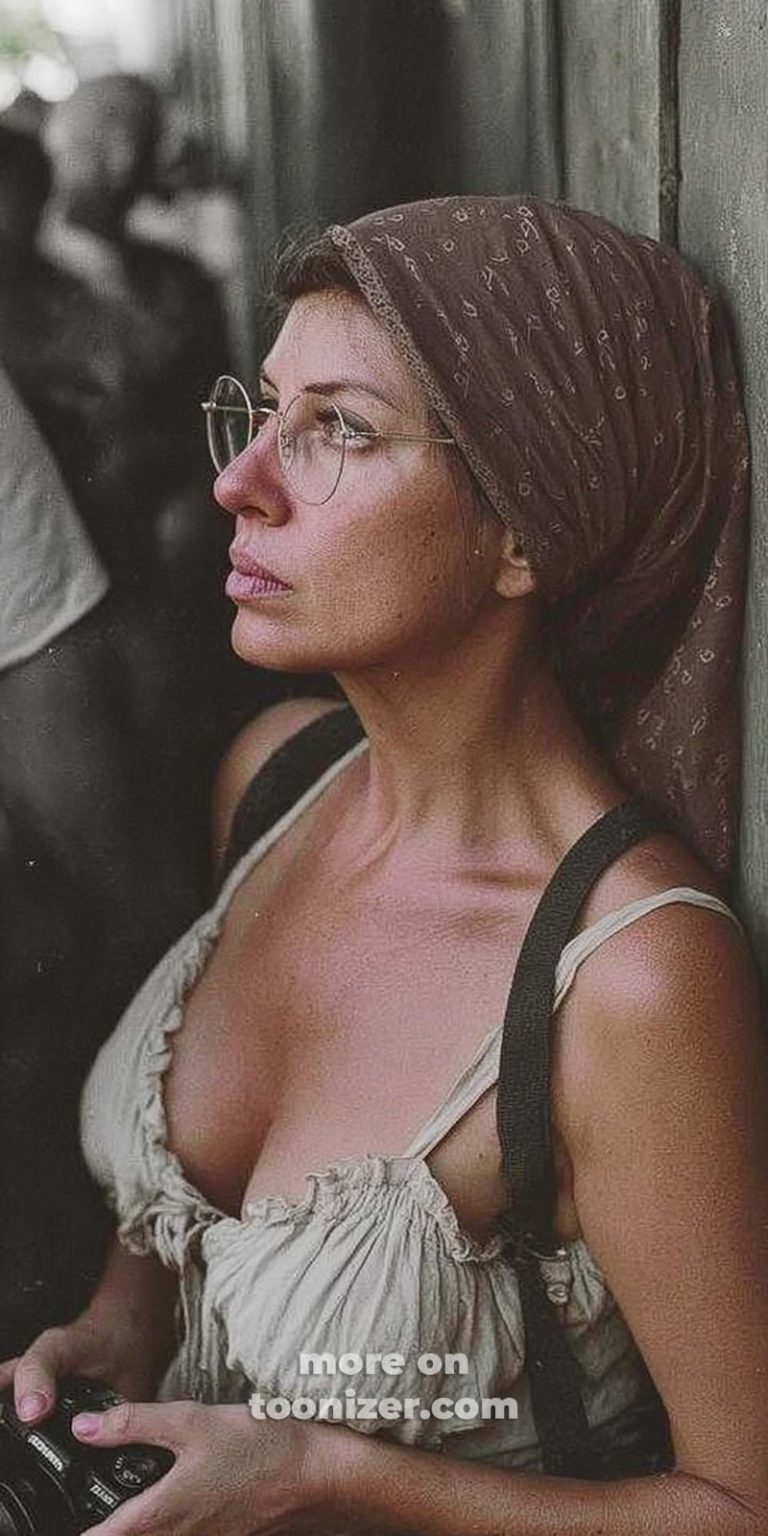
Reading the Light: 9 Portraits and What the Light Is Doing
Nine portraits and what the light is doing in each: window light, backlight, direct sun, lamps and neon.…
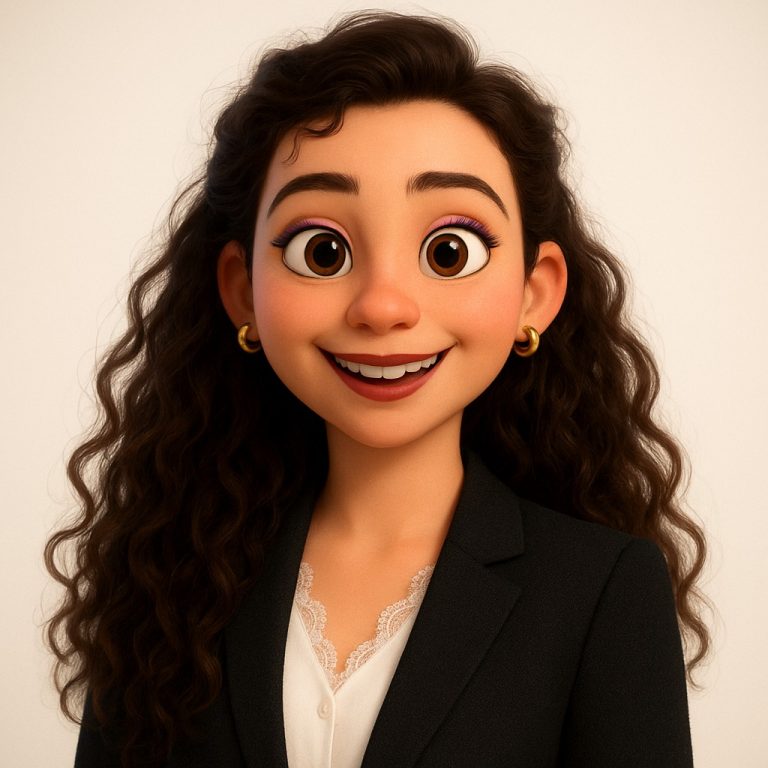
Photo to Cartoon: 6 Before-and-After Examples and What They Show
Original photos next to their AI cartoon versions: what carries over, what changes and what that means for…
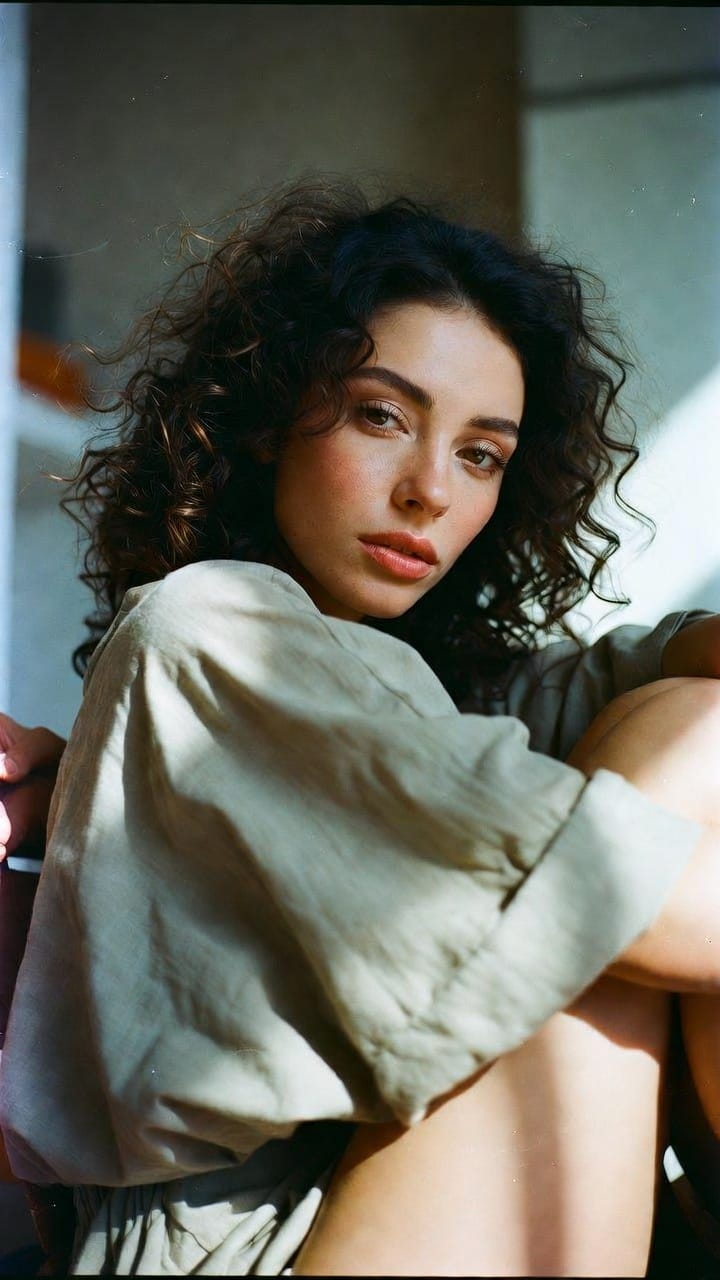
Sitting on the Floor: 10 Reference Photos for Drawing Seated Poses
Ten reference photos of people sitting and kneeling on the floor, indoors and outdoors, with notes on support,…
Most read this month
What the Toonizer audience actually opened over the last 30 days, ranked.
Film Stock Looks: A Visual Guide to Analog Color, Grain and Mood
Sitting on the Floor: 10 Reference Photos for Drawing Seated Poses

Photo to Cartoon: 6 Before-and-After Examples and What They Show
Reading the Light: 9 Portraits and What the Light Is Doing
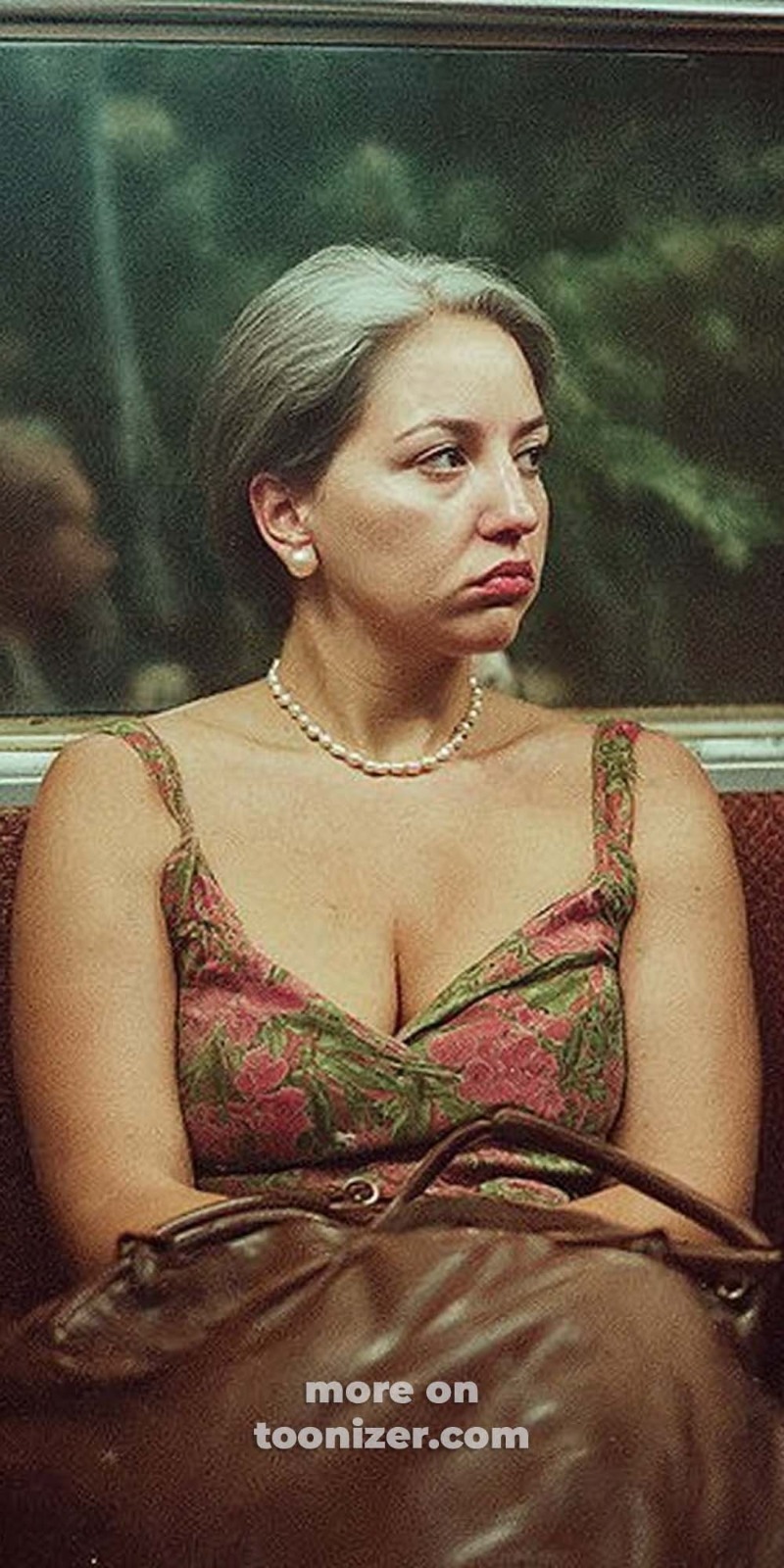
These Vintage Photos Are Fake. We Made Them. Here Is How to Tell.
Something from the back catalogue
A random pull from the archive — style references, vintage galleries and older guides that still hold up.
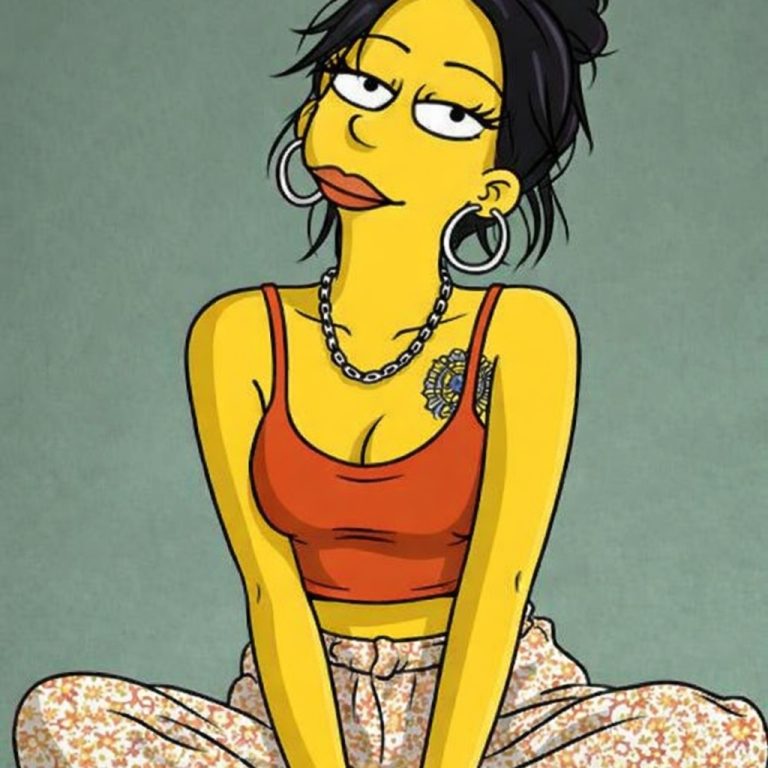
Top Cartoon Trends 2026: Turn Your Photos into Stunning AI Art with Toonizer
Popular cartoon styles, from retro anime to whimsical illustration, shown as before-and-after examples. Try them on your own…
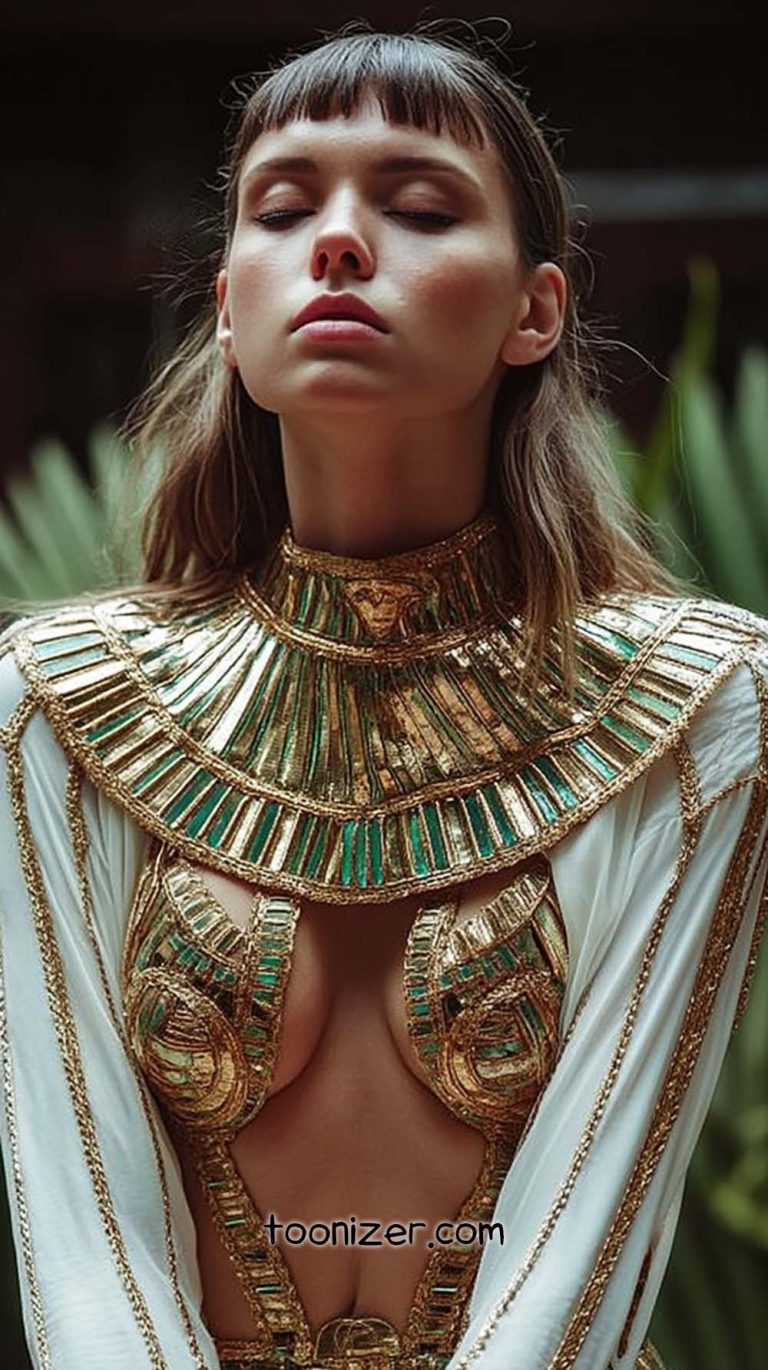
Neo-Nile: Ancient Egyptian and Futuristic Fashion Fusion
Ancient Egyptian style meets science fiction: futuristic fashion with pharaoh-inspired silhouettes and gold and silver details.

Grain, Blur & Love: The Artistic Charm of Old Hippie Snapshots
Explore the raw beauty of old hippie snapshots, where grain, blur, and timeworn edges turn fading memories into…
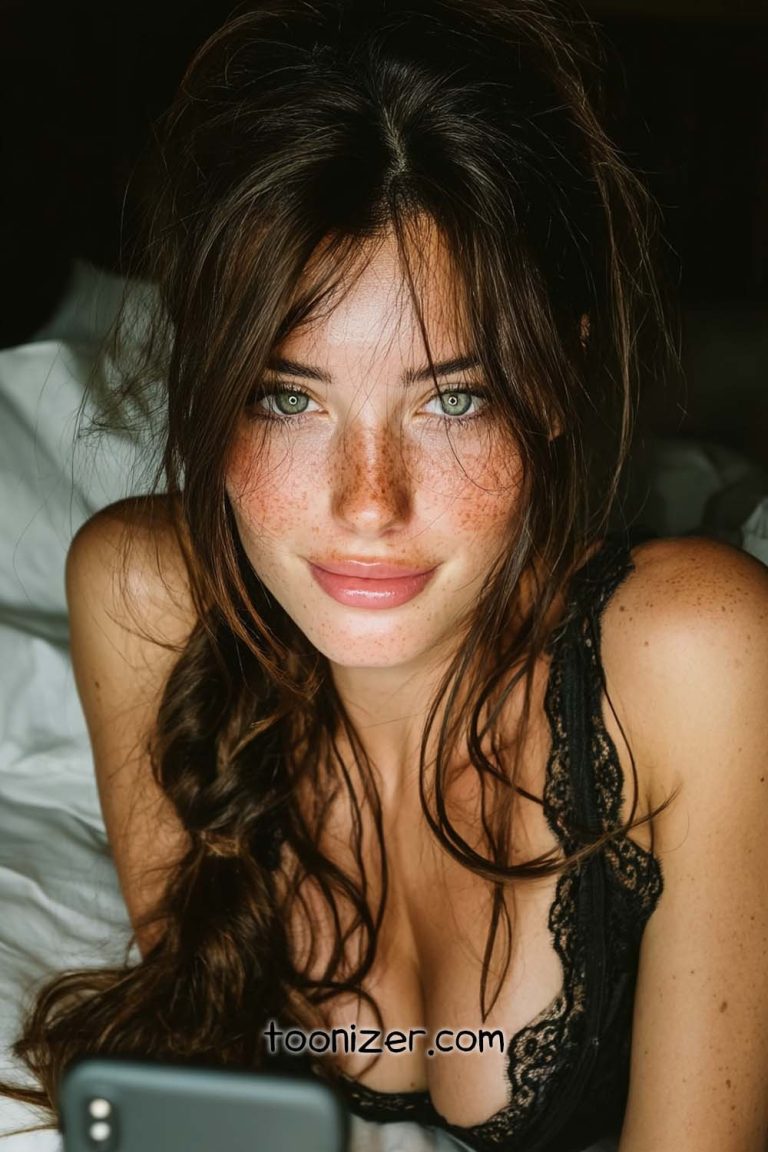
Snap Like a Pro: How to Take the Best Selfie Shots
Learn how to take the best selfie shots with tips on lighting, angles, and confidence—capture your best self,…

How to Dress Like It’s 1959 (Without Looking Like a Costume Party)
Learn how to achieve a timeless 1959 look without going overboard. Follow these tips to dress like it's…
Best Selfie and Profile Photo Ideas: Natural, Clean, and Eye-Catching
Selfie and profile photos shape your digital first impression. Explore natural, modern, and confident photo ideas to reflect…
Before your first upload
Is Toonizer free?
Yes. Toonizer is free with a free account, which takes about ten seconds to create and needs no credit card. Free accounts include a set number of generations per period.
Why do I sometimes see an ad first?
Every cartoon has a generation cost. Some visitors are asked to watch a short ad, which helps keep Toonizer free. Watching it gives access to the page; your free credits stay the same.
What image files can I upload?
JPG, PNG, WEBP and GIF, up to 10 MB. Clear, well-lit photos where the face or subject fills a good part of the frame give the best results.
Do I need to install anything?
No. Toonizer runs entirely in the browser on desktop and mobile. There is no app to download and no software to install.
Can I cartoonize my pet?
Yes. Upload a clear photo of a dog, cat, rabbit or other pet and pick the pet portrait channel. Toonizer keeps recognisable markings and colouring while restyling the image.
Which cartoon styles are built in?
Twelve one-tap prompts: 90s cartoon, hand-painted anime, 3D animated, cyberpunk anime, paper cutout, comic strip, fairy tale classic, pet portraits, rubber-hose 1930s animation, retro anime, 8-bit pixel art and superhero comic. You can also write your own prompt to describe any style in plain language.
Can I use my cartoons commercially?
You can use your cartoons for personal purposes. For commercial use, read the terms of service first.
Can I order a hand-drawn version?
Yes. If you would rather have a character drawn by hand than generated, custom cartoon portraits can be ordered from the Brinter shop on Etsy.
Get New Cartoon Styles First
New AI cartoon styles, tutorial guides, and community picks — delivered straight to your inbox. Unsubscribe anytime.
✓ YOU’RE IN! WELCOME TO THE TOON NETWORK.
No spam. Unsubscribe with one click.
Turn Your Photo
Into a Cartoon
Turn your photos into cartoon art in seconds. Selfies, family portraits, pets — pick a channel and start free.