Photo to Cartoon and AI Pet Portraits, Step by Step
Toonizer is a free-to-try photo to cartoon AI tool with a retro look. You upload a selfie, a family photo or a picture of your pet, describe the style you want, and get a cartoon version back. This guide covers how it works, which styles to try, and how to get good results with AI pet portraits.
👉 Try Toonizer AI Cartoon Generator Free Now Launch Toonizer App →
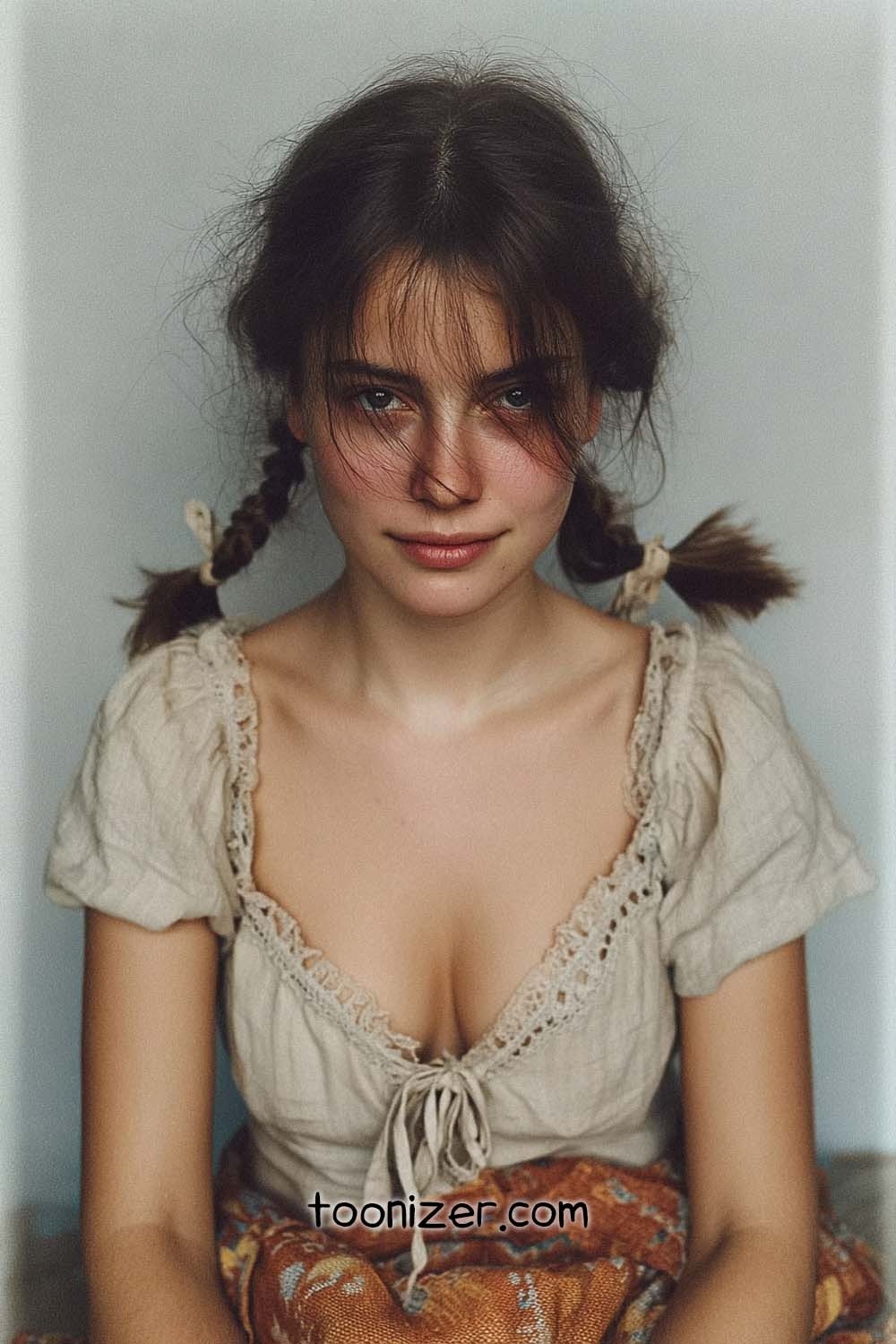
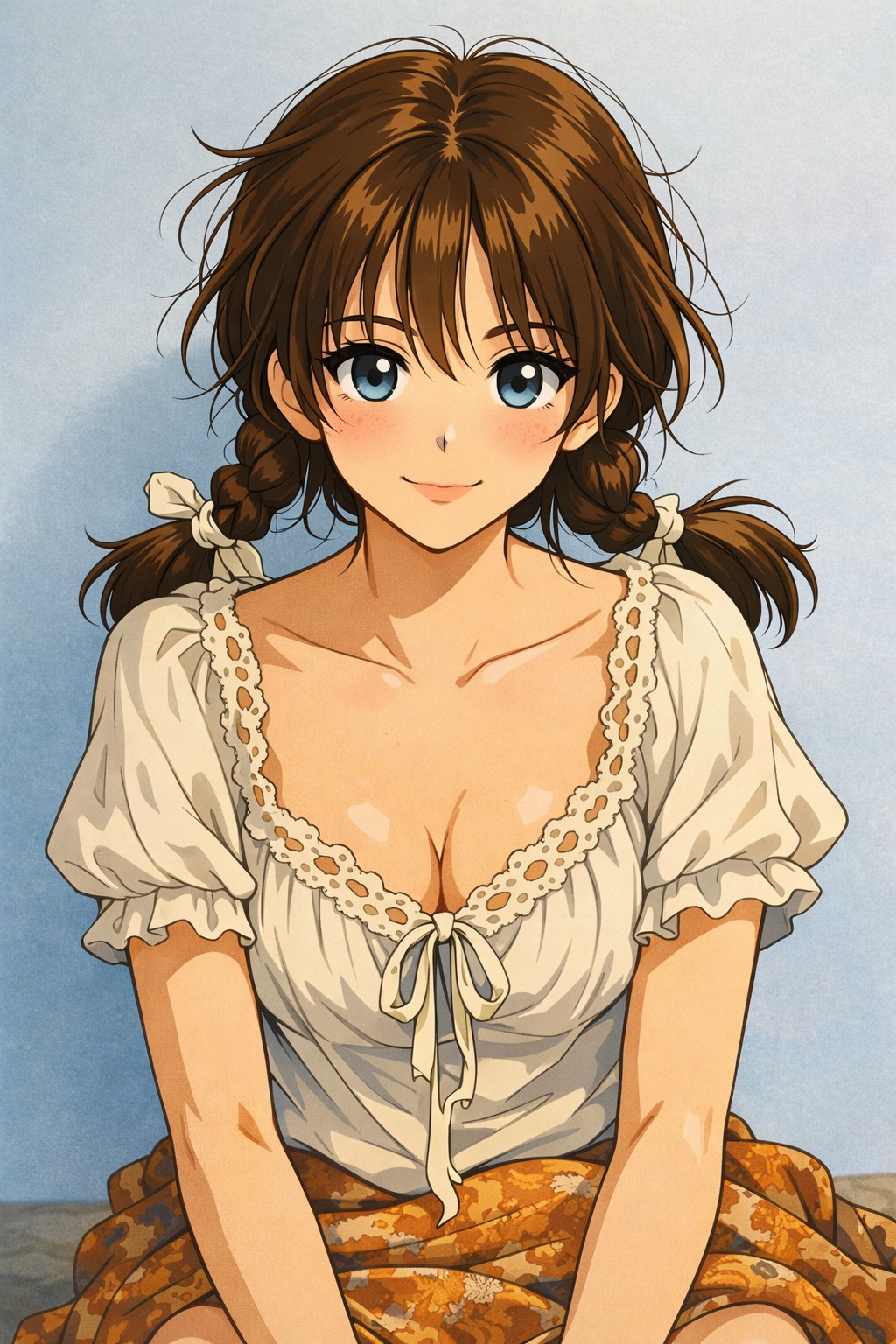
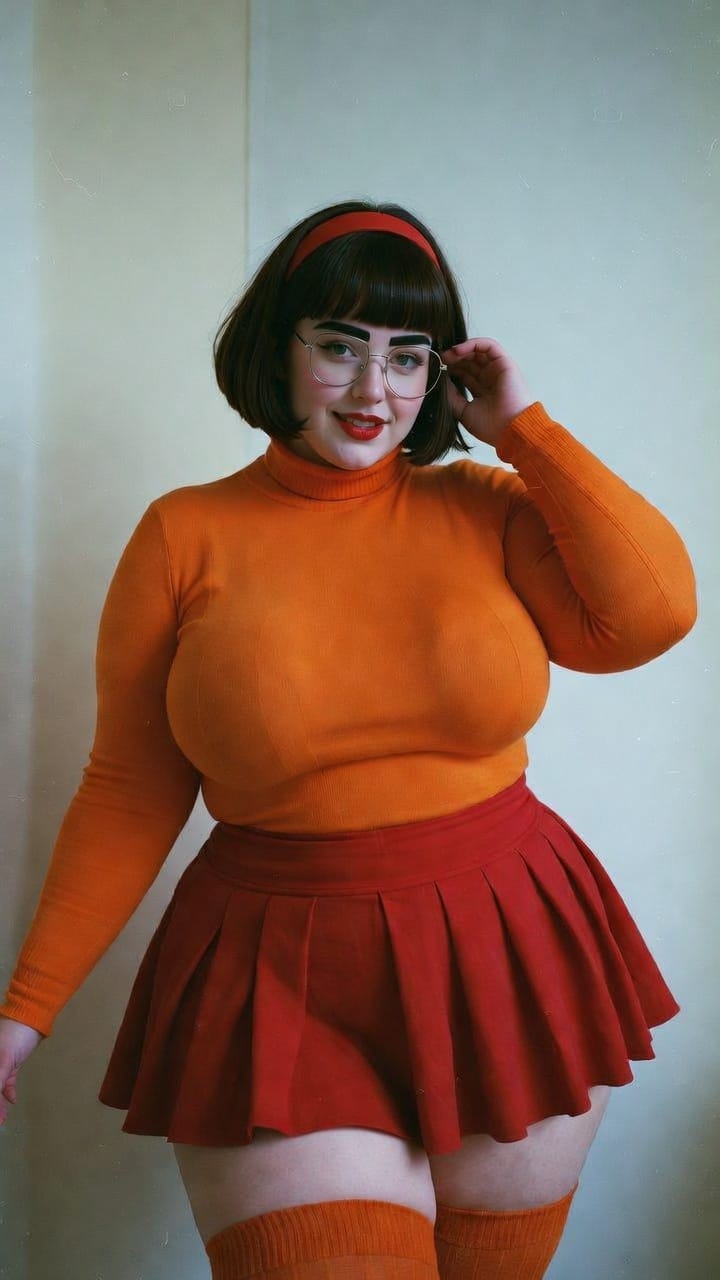
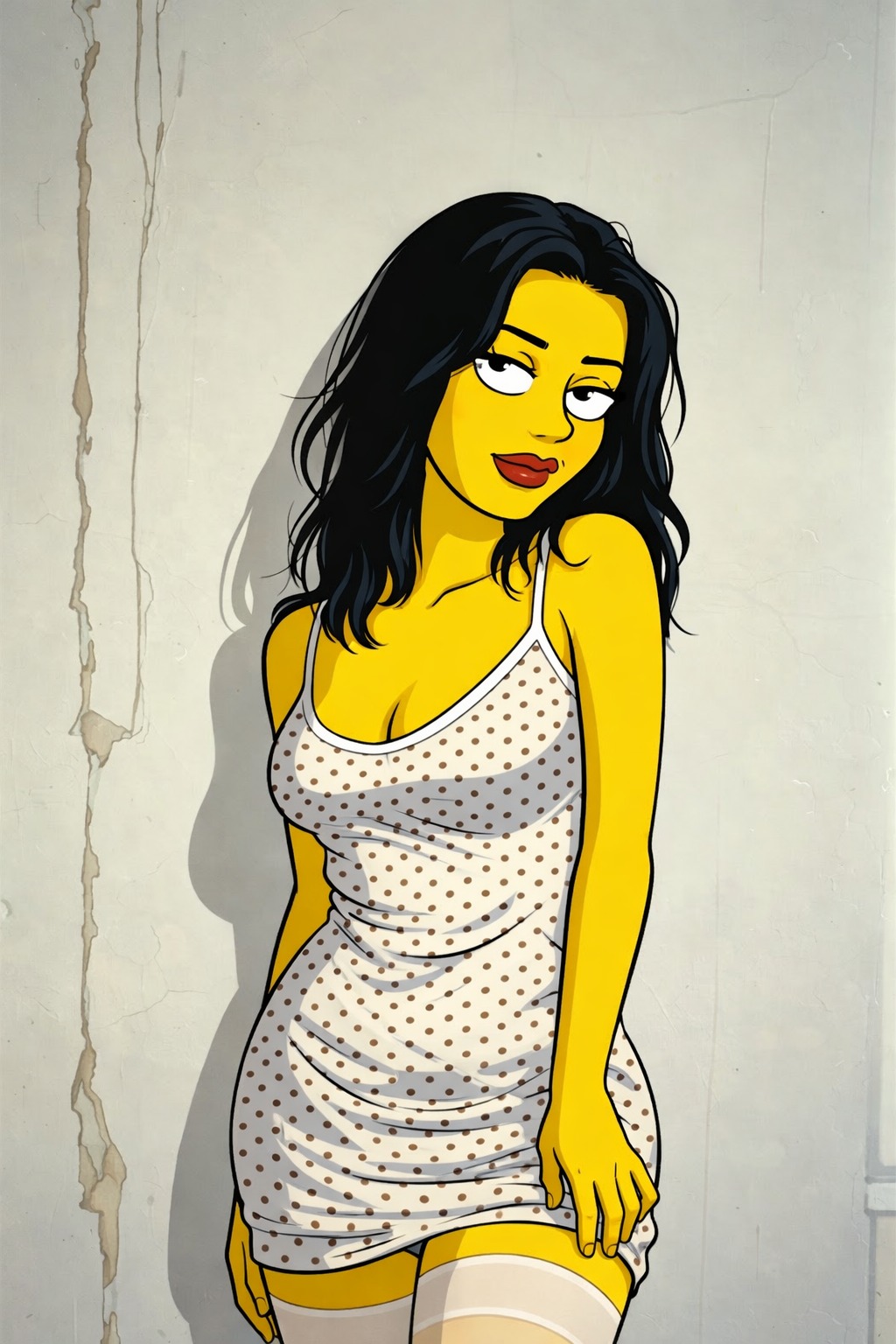
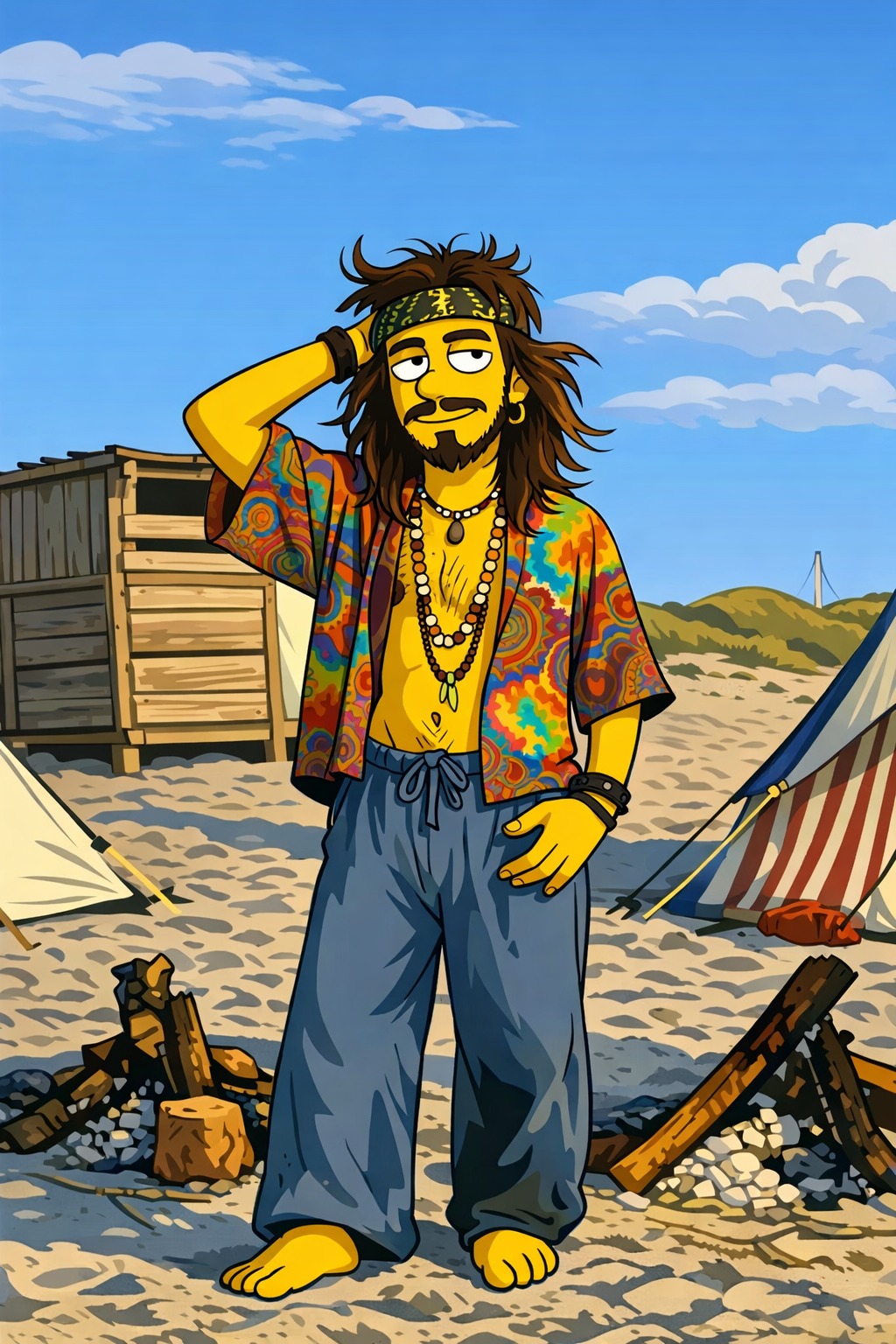
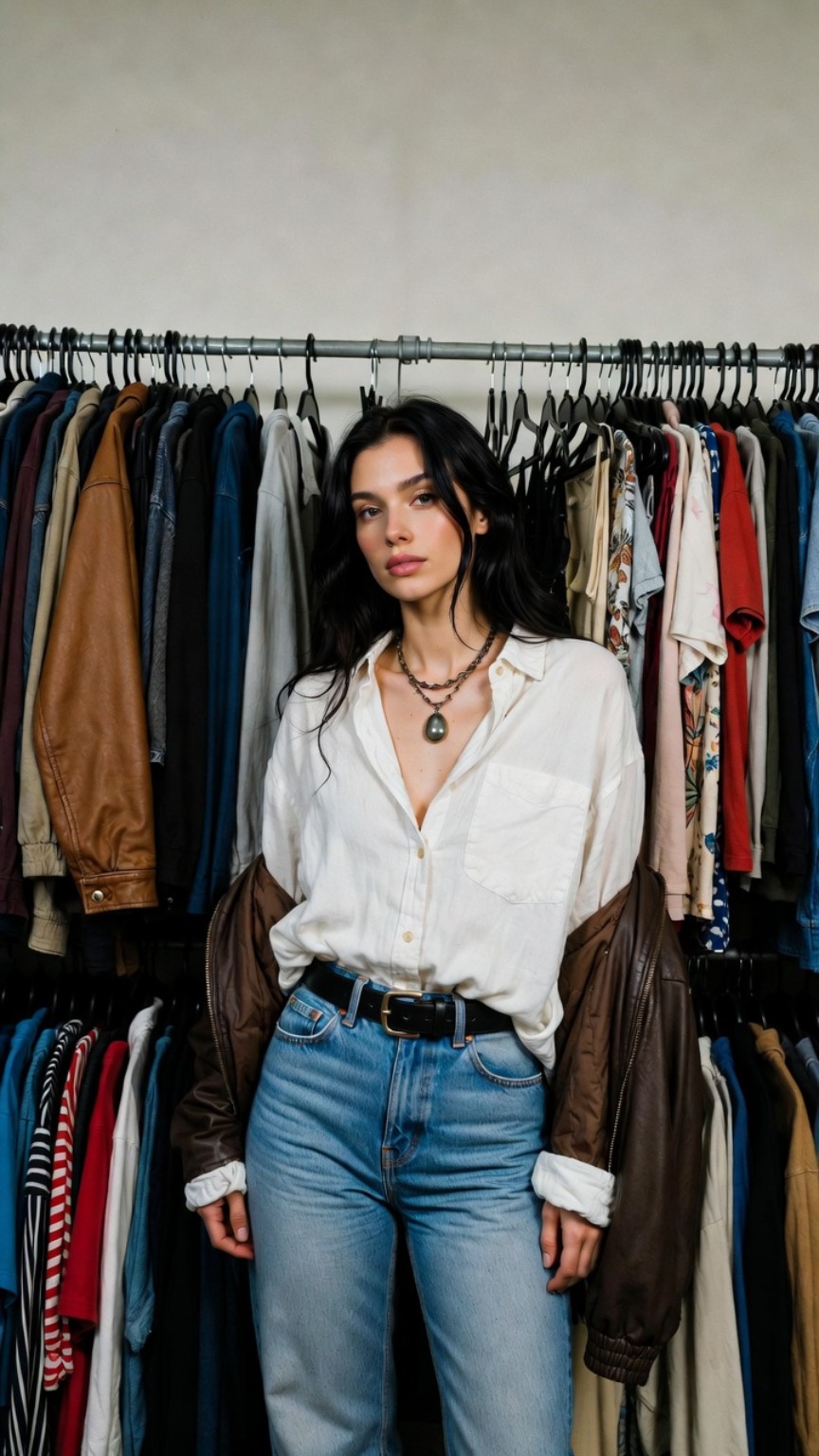
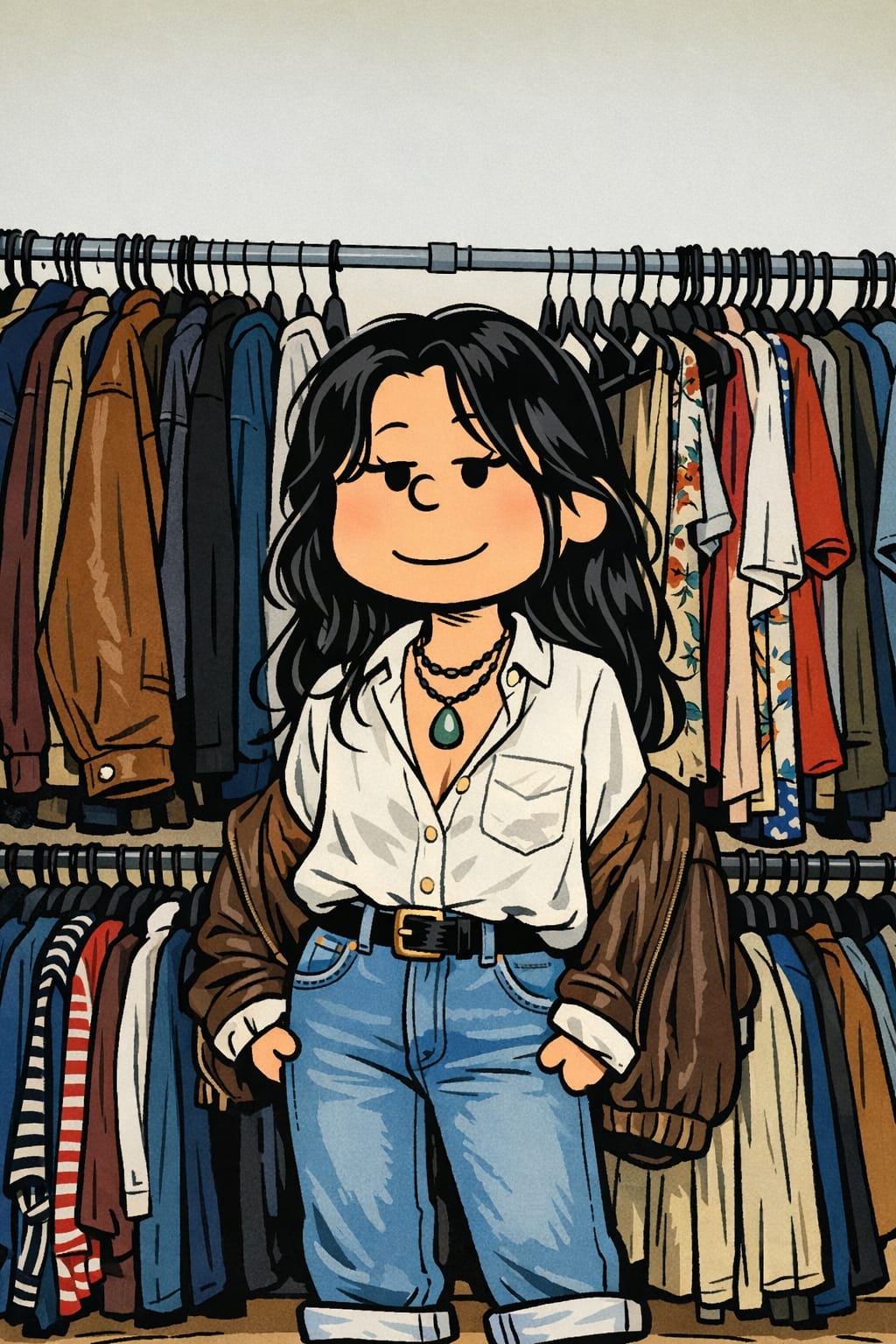
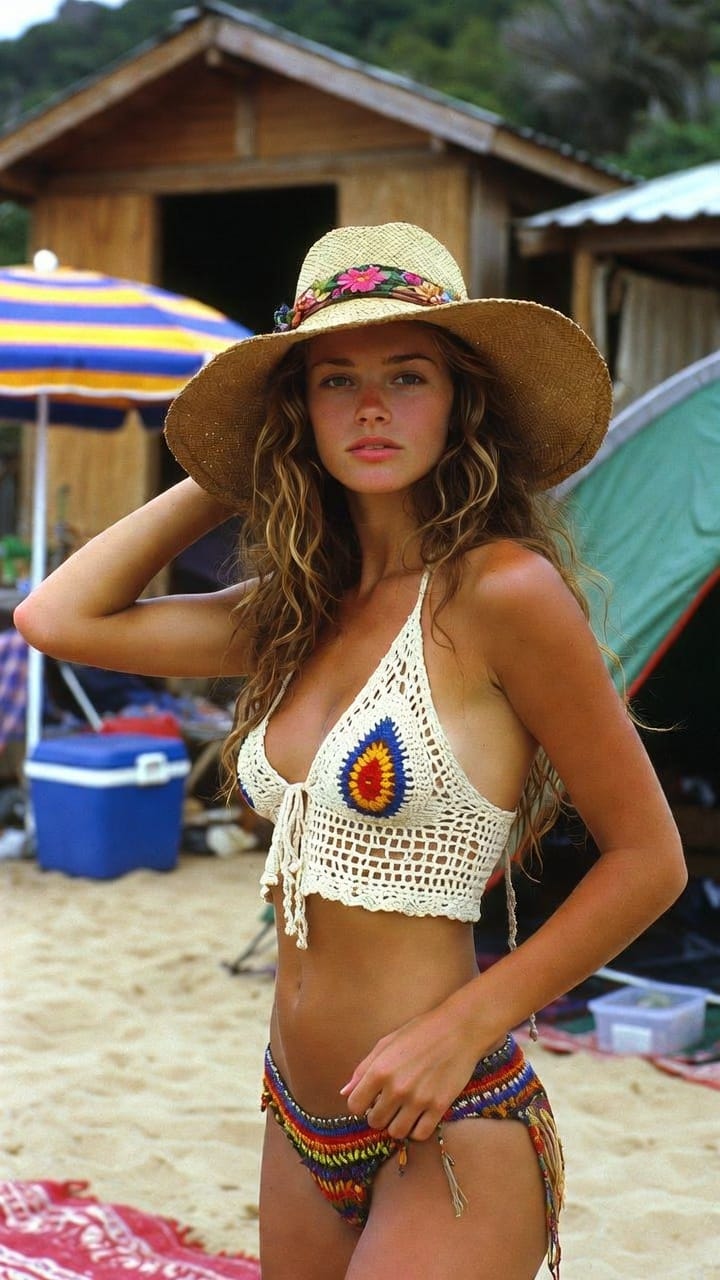
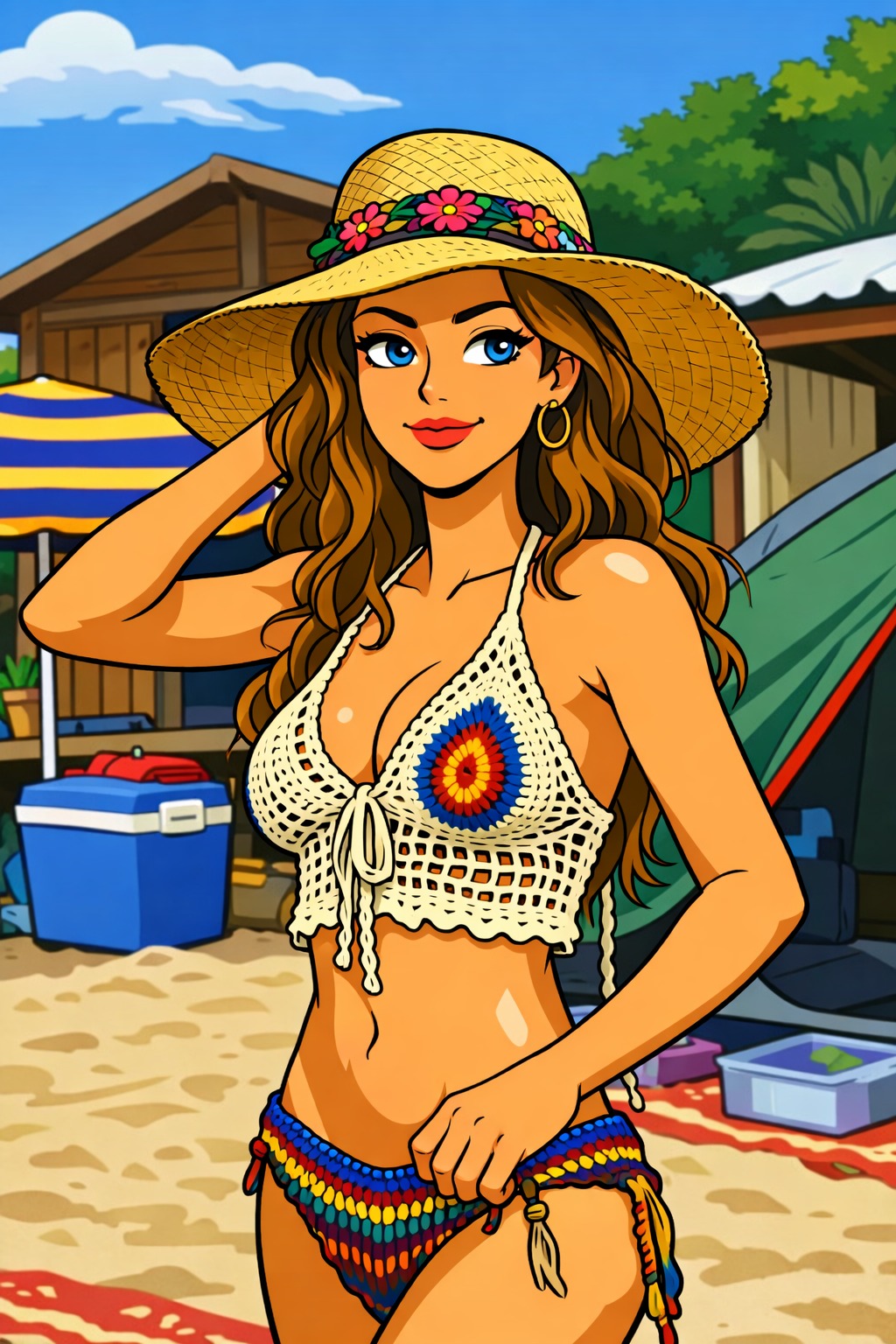
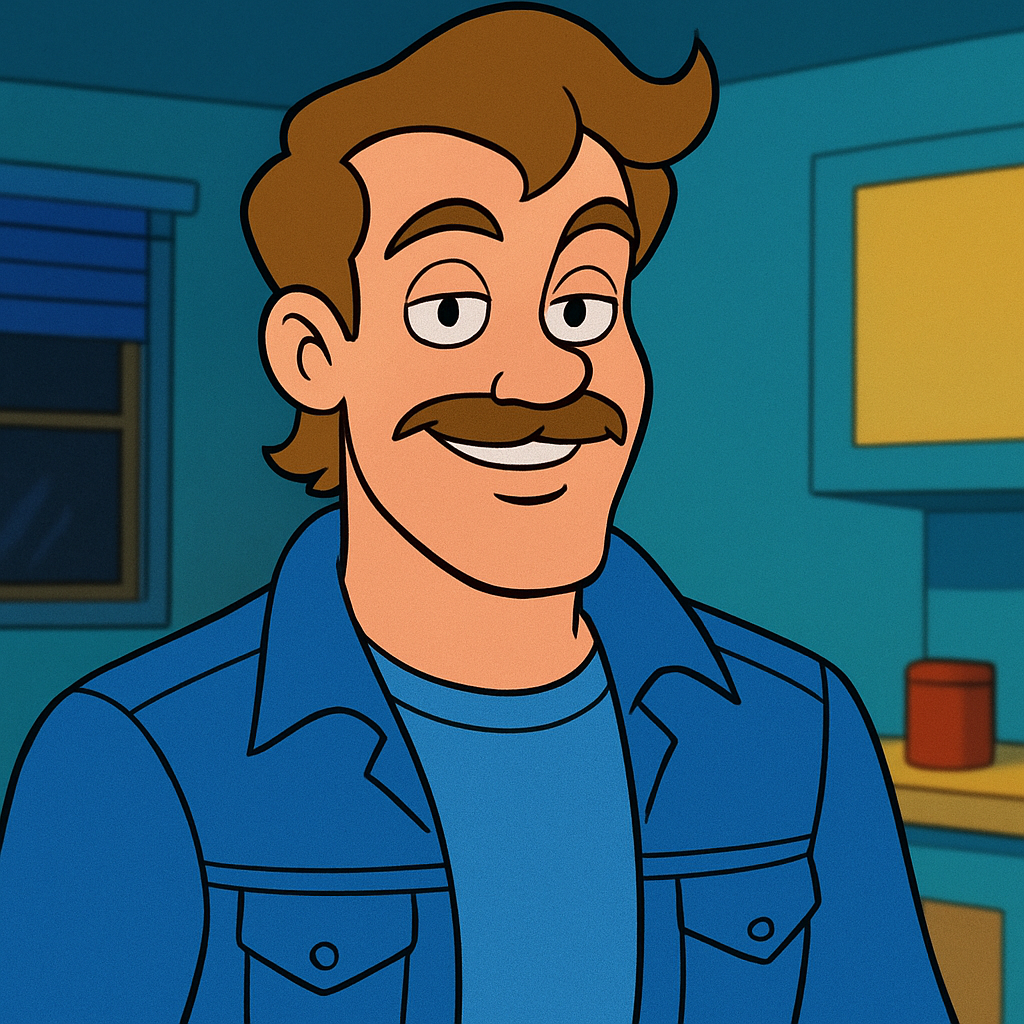
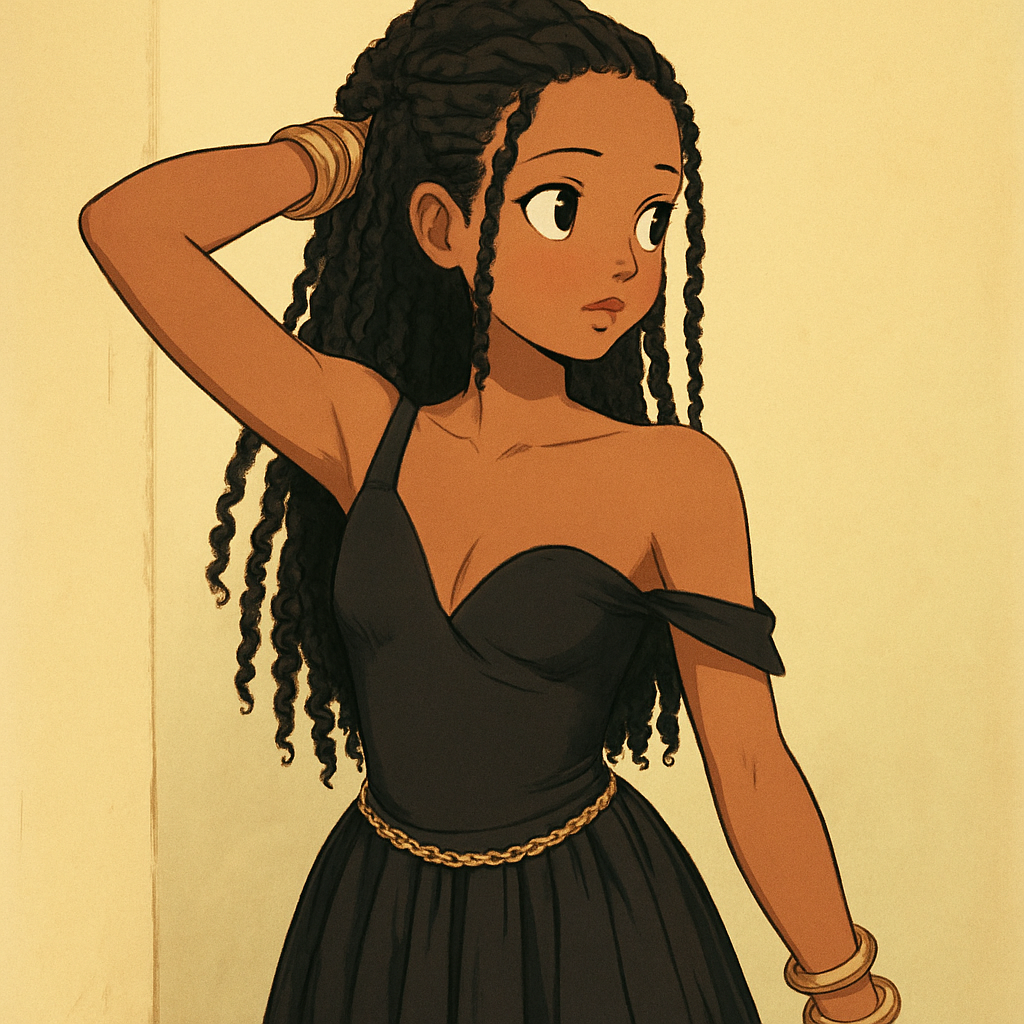
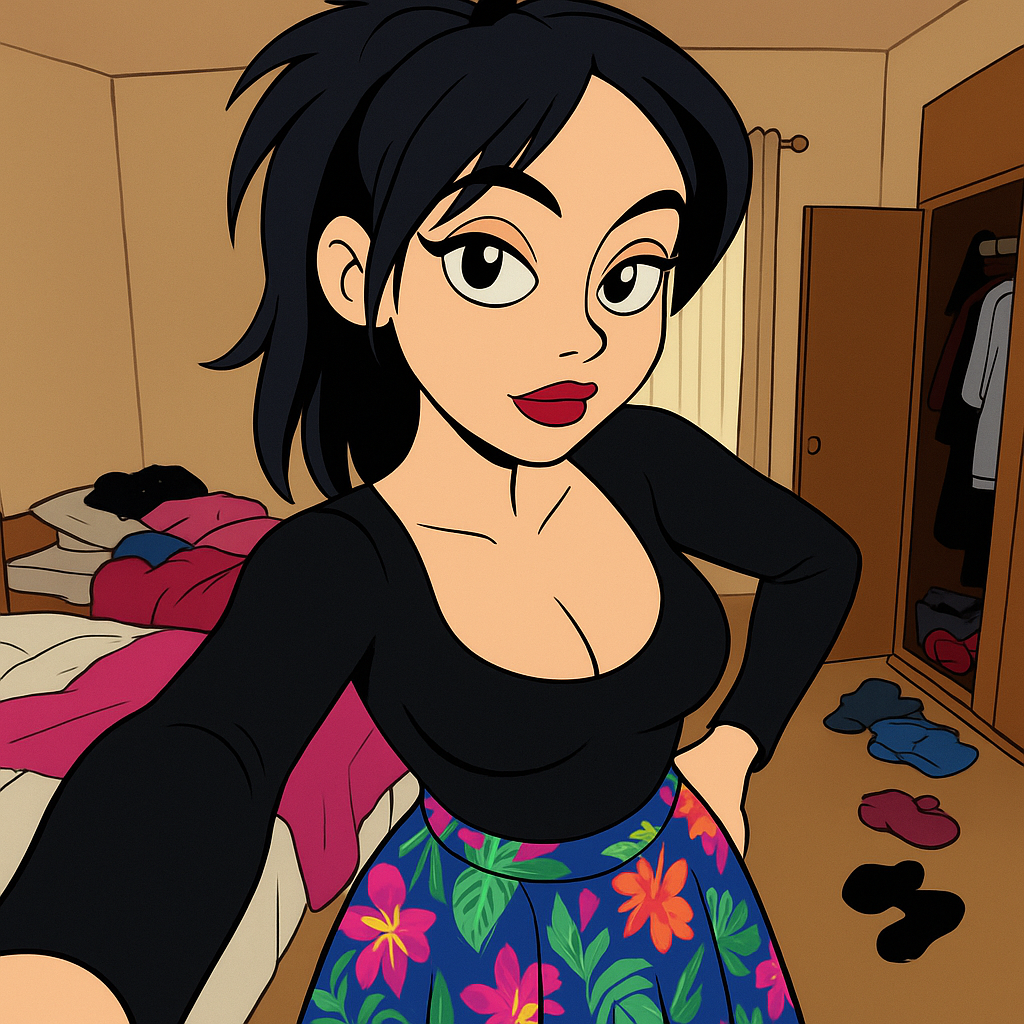
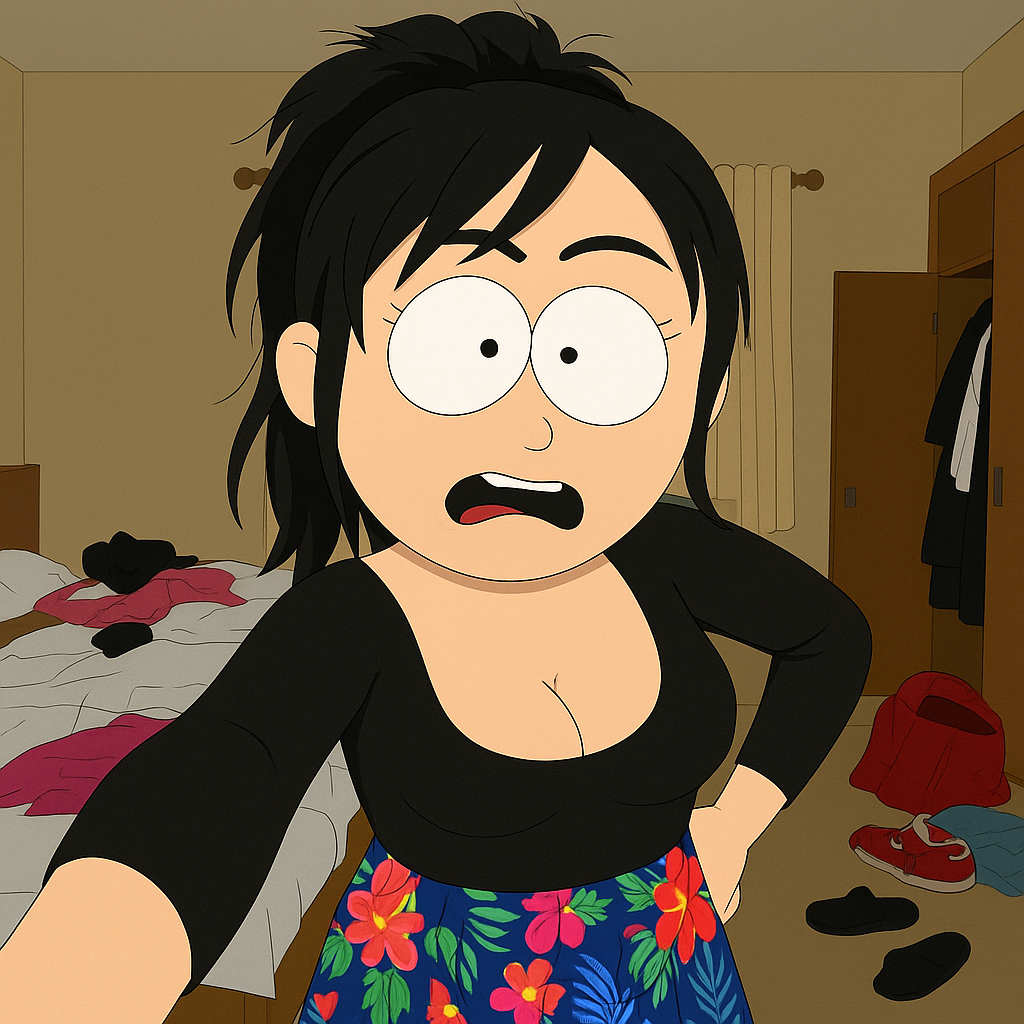
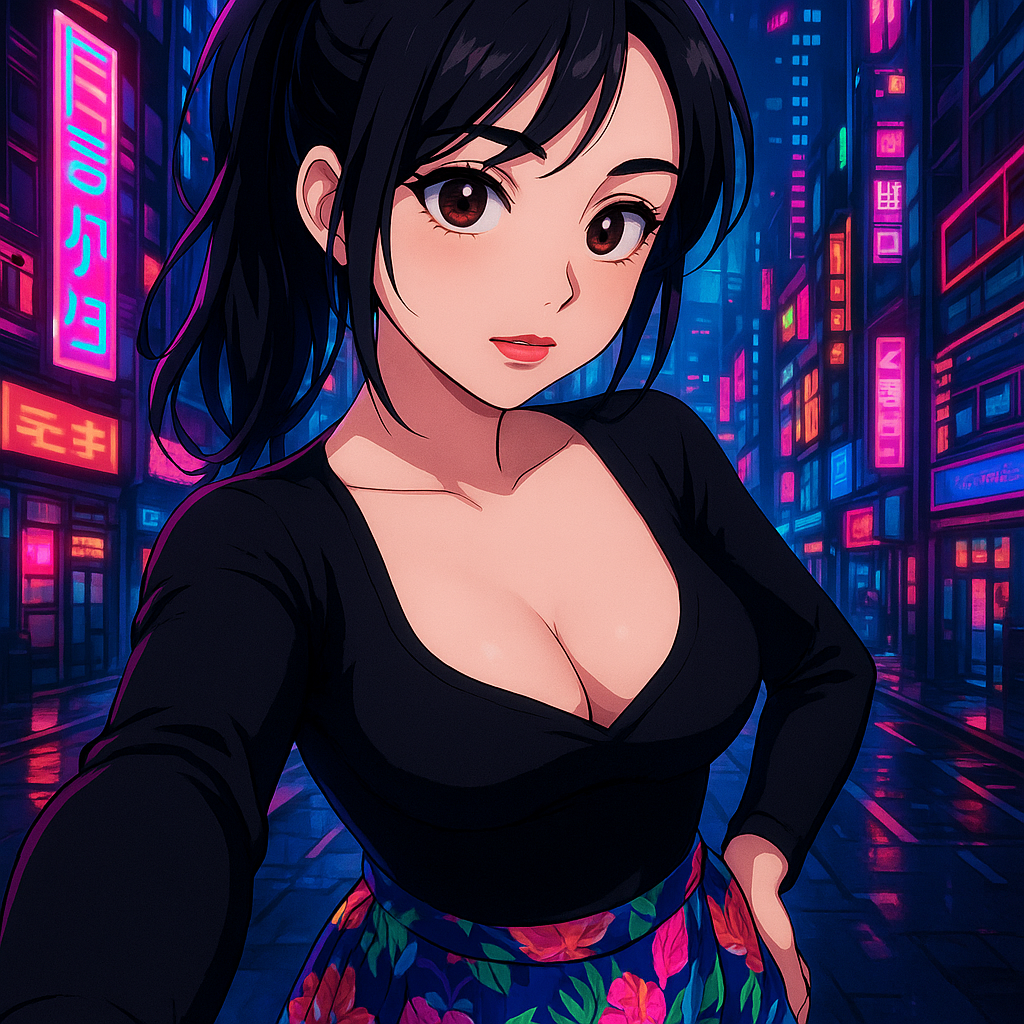
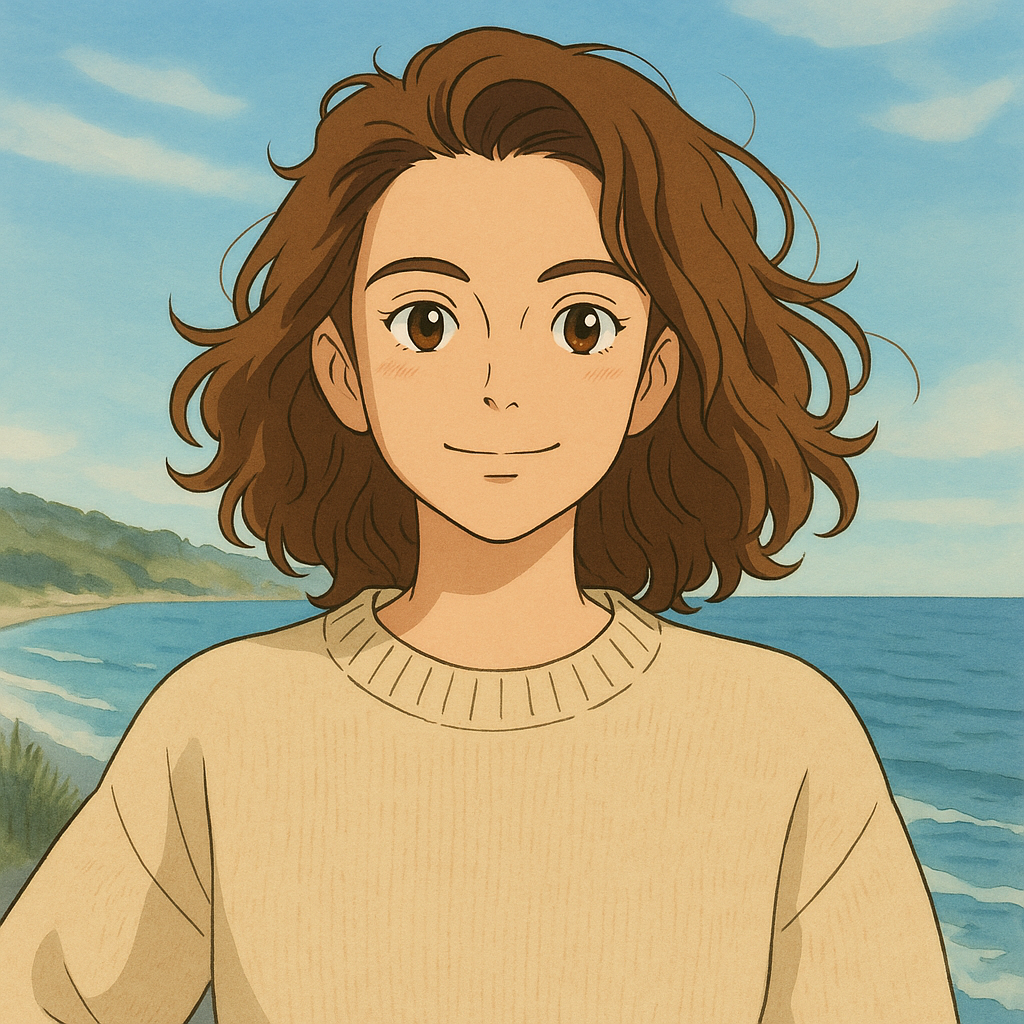
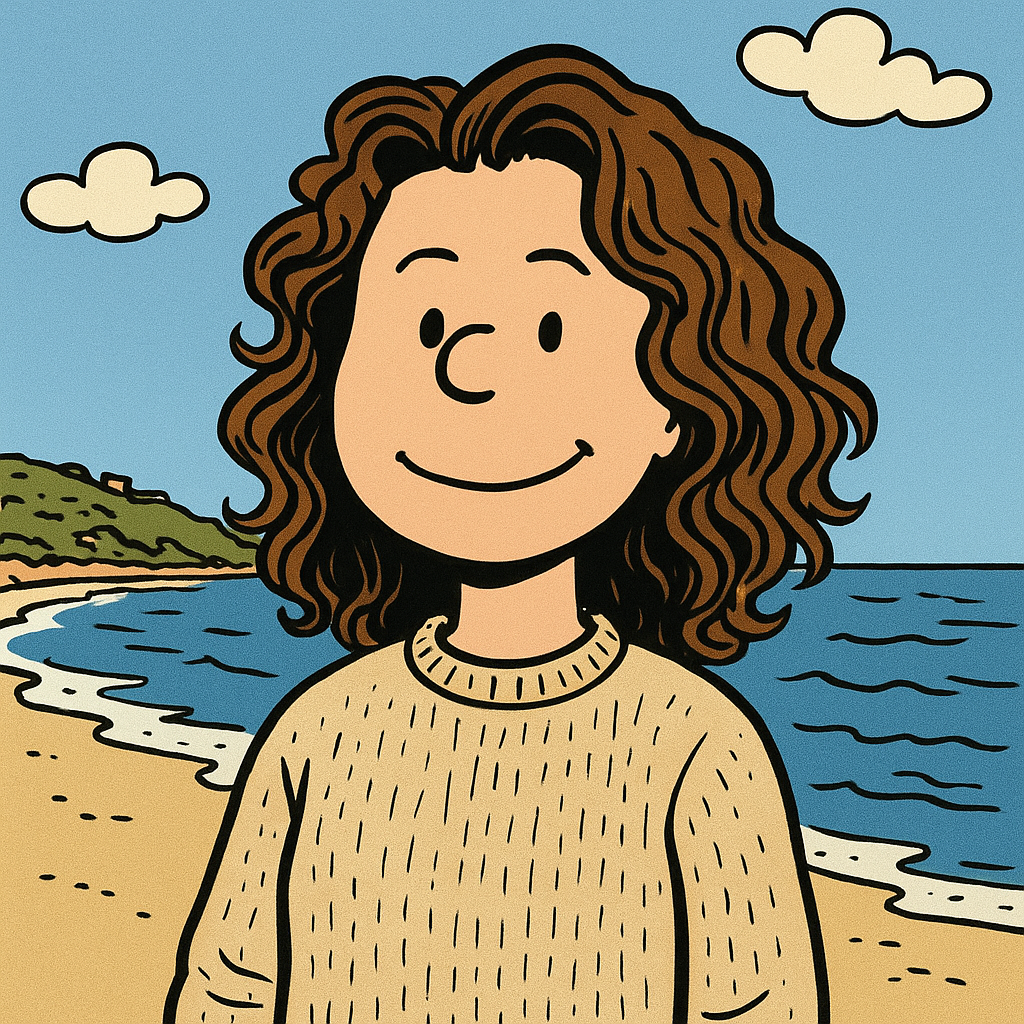
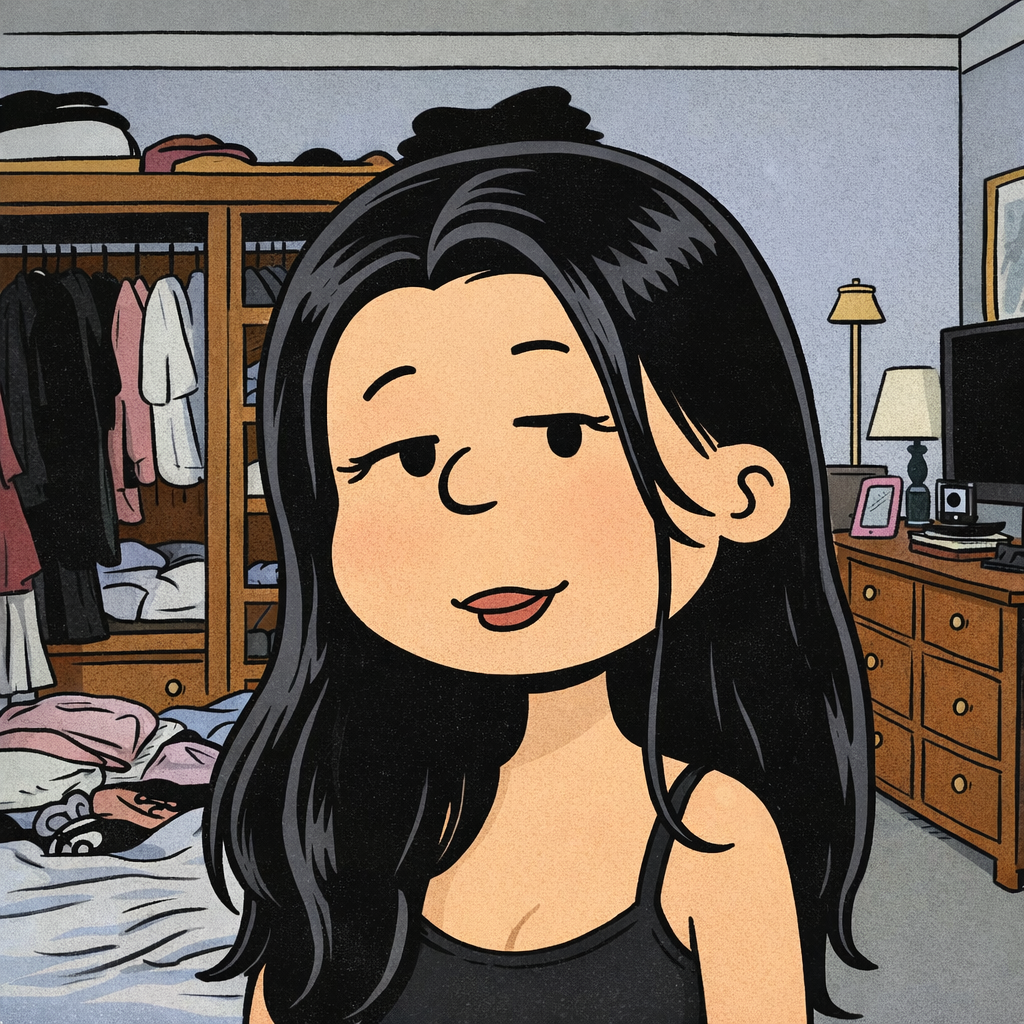
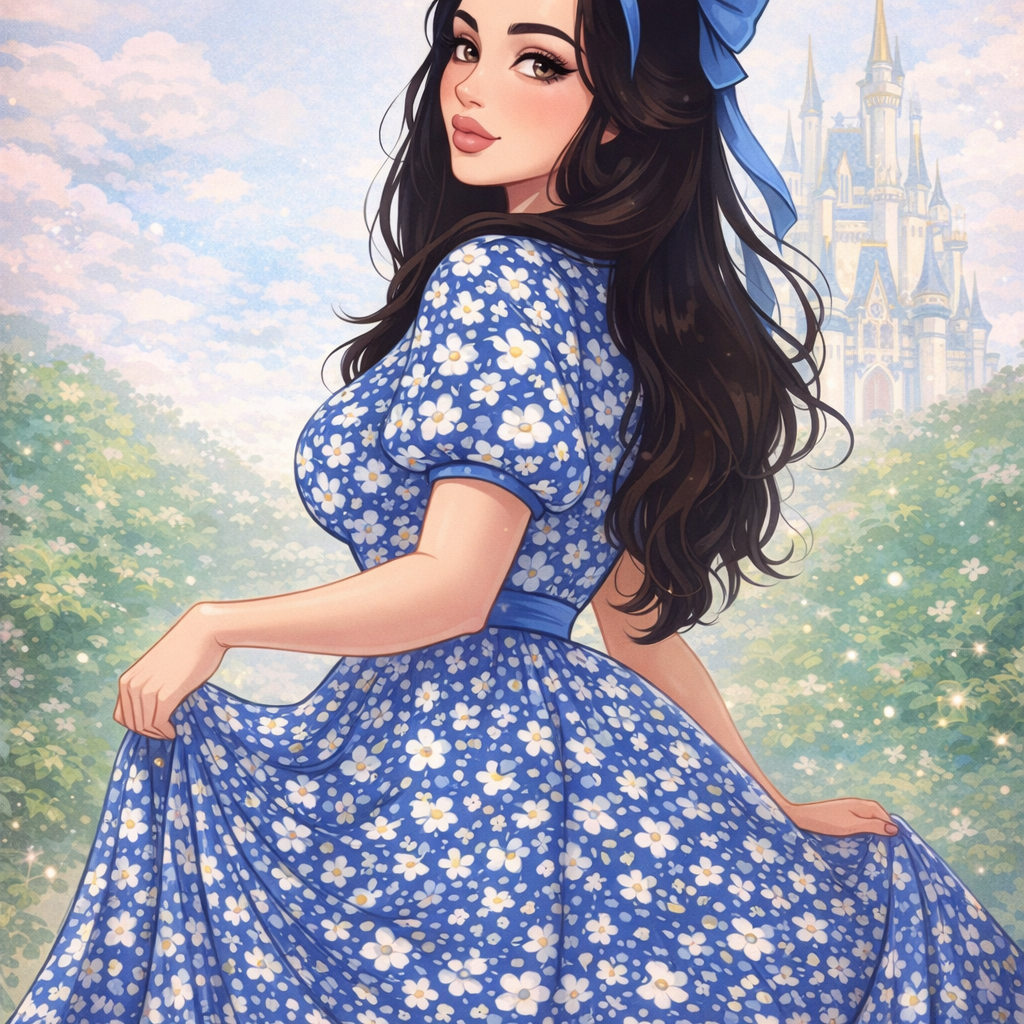
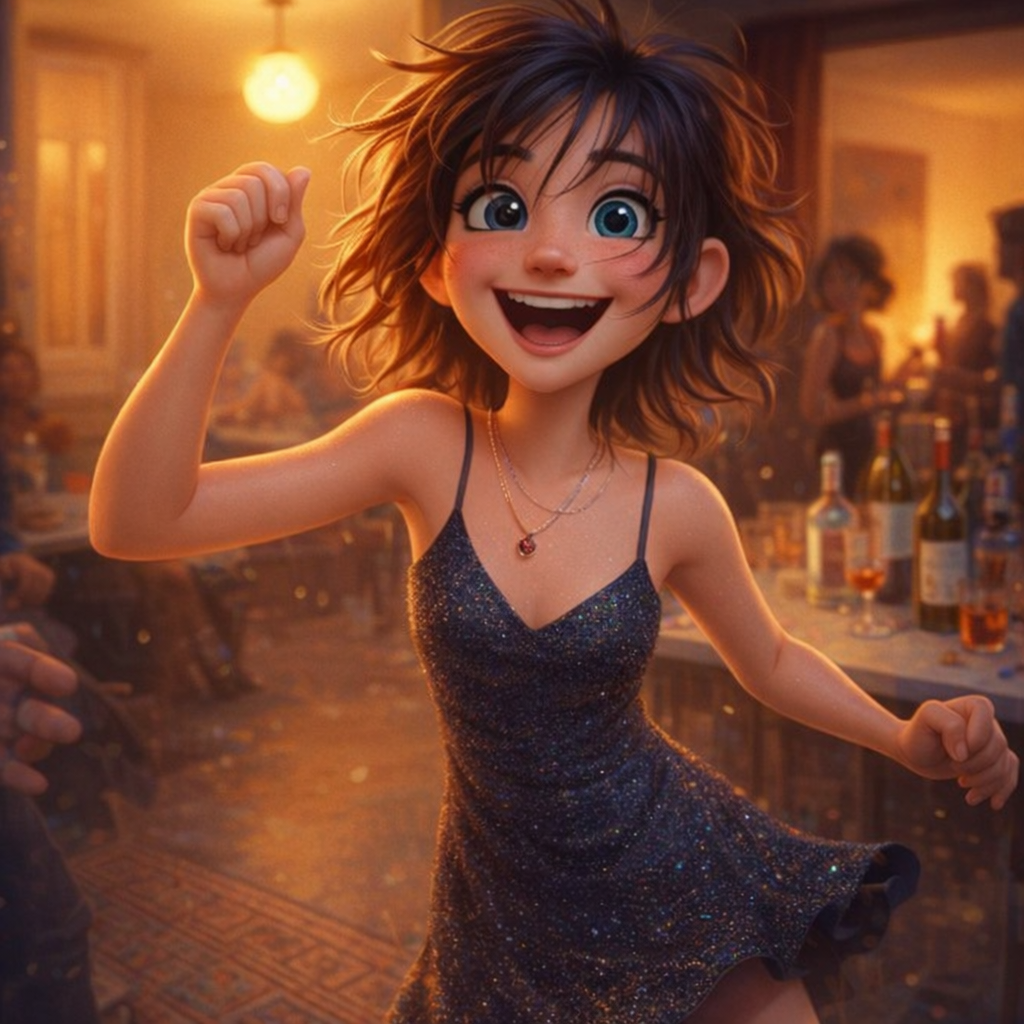
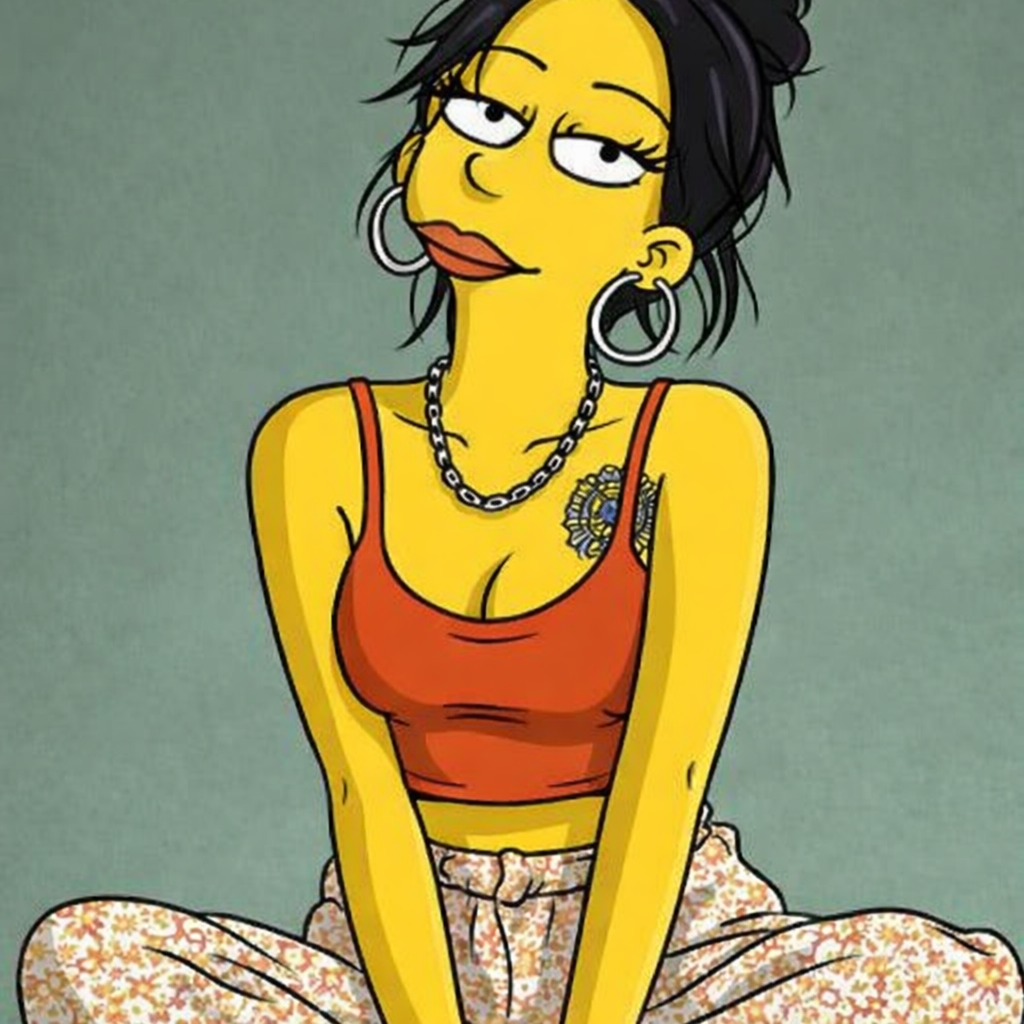
Styles range from bold 90s cartoon outlines to soft hand-drawn anime and neon cyberpunk. The before-and-after examples on this page were all made with the tool.
What Is Toonizer AI Cartoon Generator?
Toonizer (toonizer.com) is an AI cartoon generator that works from your own photos. Instead of applying a fixed filter, it redraws the image based on a short text prompt, so the same photo can become a 90s cartoon, an anime still or a storybook illustration.
Alongside the generator, the site publishes articles on cartoon styles and aesthetics, drawing references and vintage fashion. People mostly use the tool for profile pictures, cartoon avatars, memes and pet portraits.
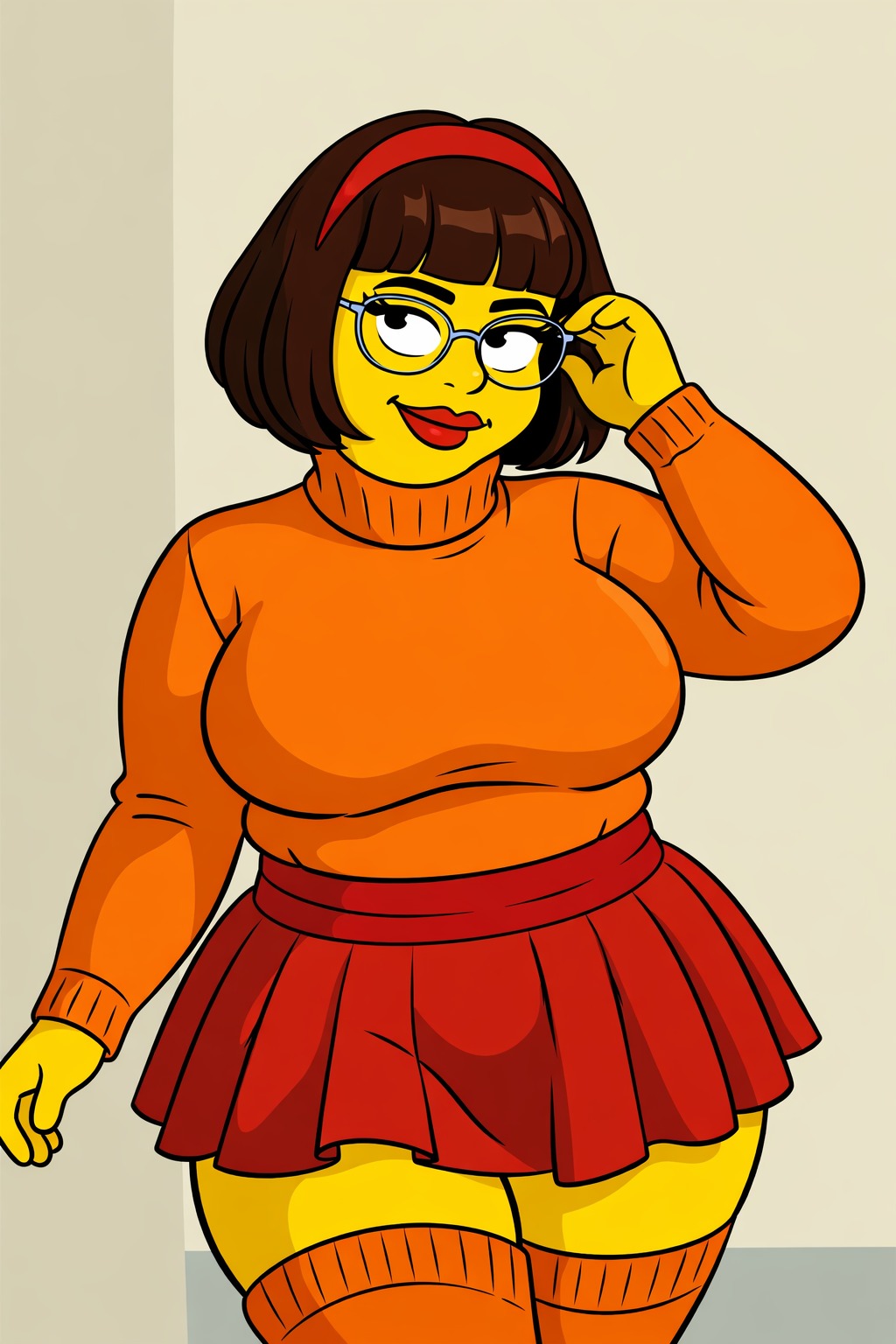
How to Use Toonizer AI in 3 Easy Steps
- Upload your photo. Go to toonizer.com/app and upload a selfie, family photo, or pet picture (JPG, PNG, WEBP, or GIF up to 10MB).
- Add a Creative Prompt Describe the style you want:
- “Turn me into a cool 90s cartoon character”
- “Soft hand-drawn anime style, whimsical adventure”
- “3D animated movie style, happy and bright”
- “Cyberpunk anime version with neon lights”
- “Adorable cartoon pet portrait of my dog”
- Generate and share. Press generate and save the result. If it isn’t quite right, adjust the prompt and try again.
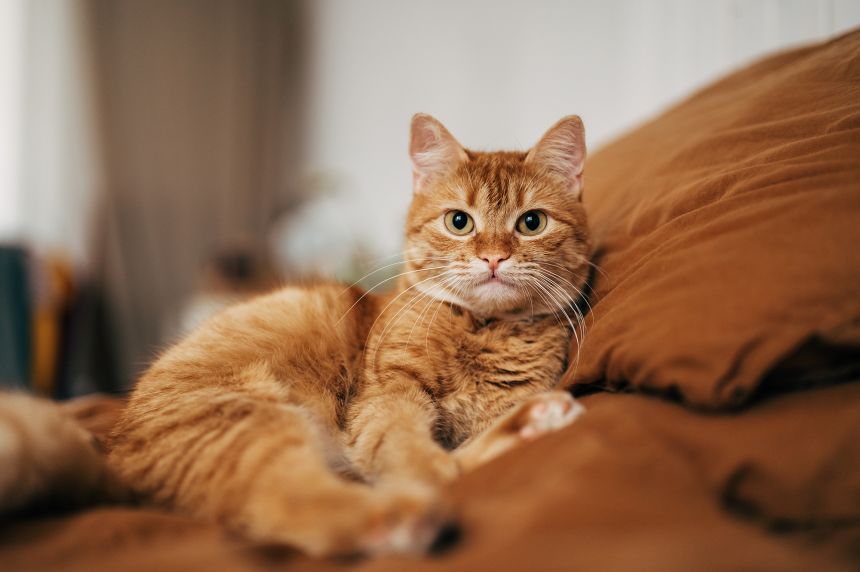
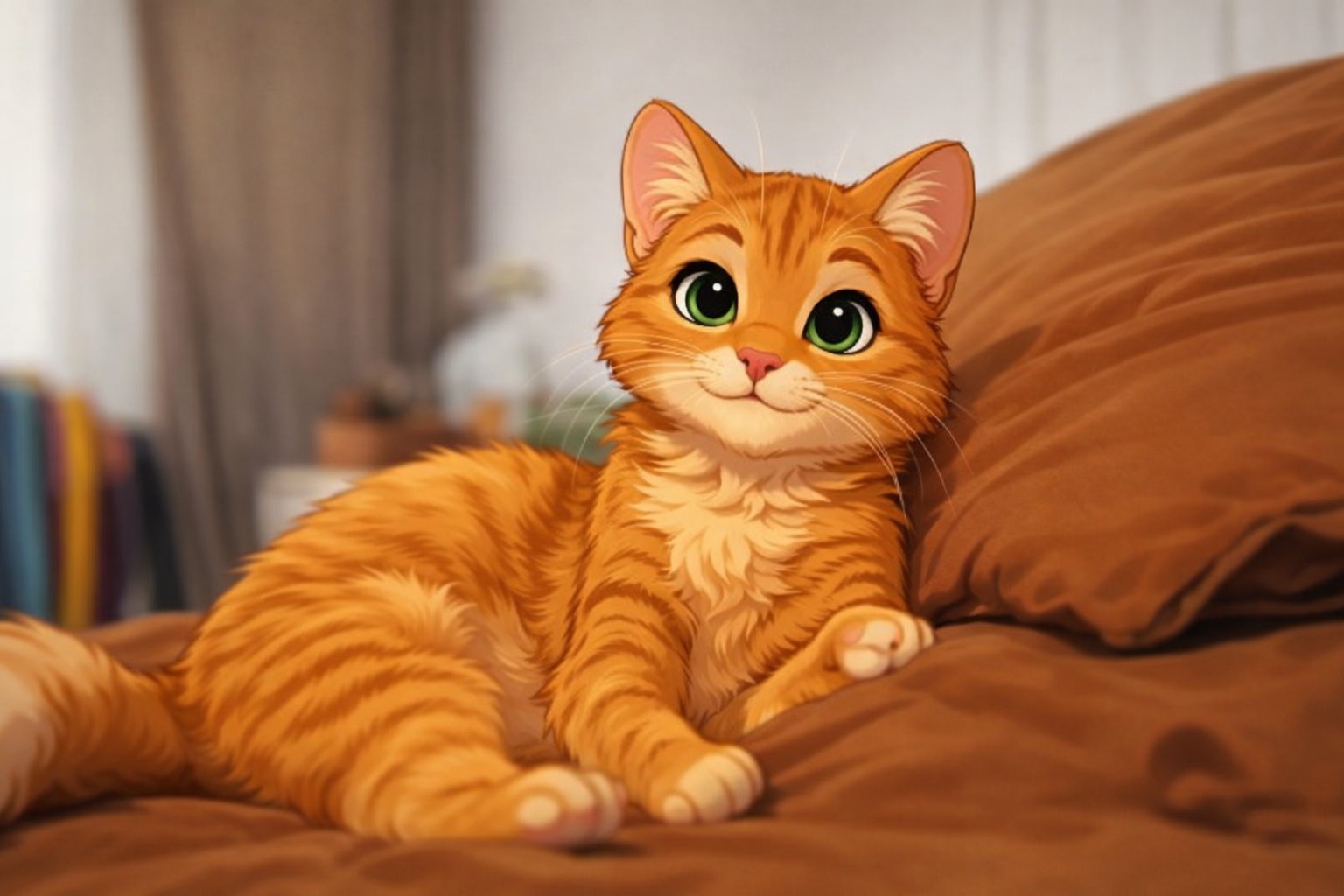
Cartoon Styles to Try
A few styles that work well with the generator:
- 90s Cartoon Style — Bold outlines and retro nostalgia
- Hand-drawn anime — soft colors and painterly backgrounds
- 3D animated — rounded shapes and bright lighting
- Cyberpunk Anime — Futuristic neon and edgy energy
- Paper cut-out comedy — flat shapes and simple, funny expressions
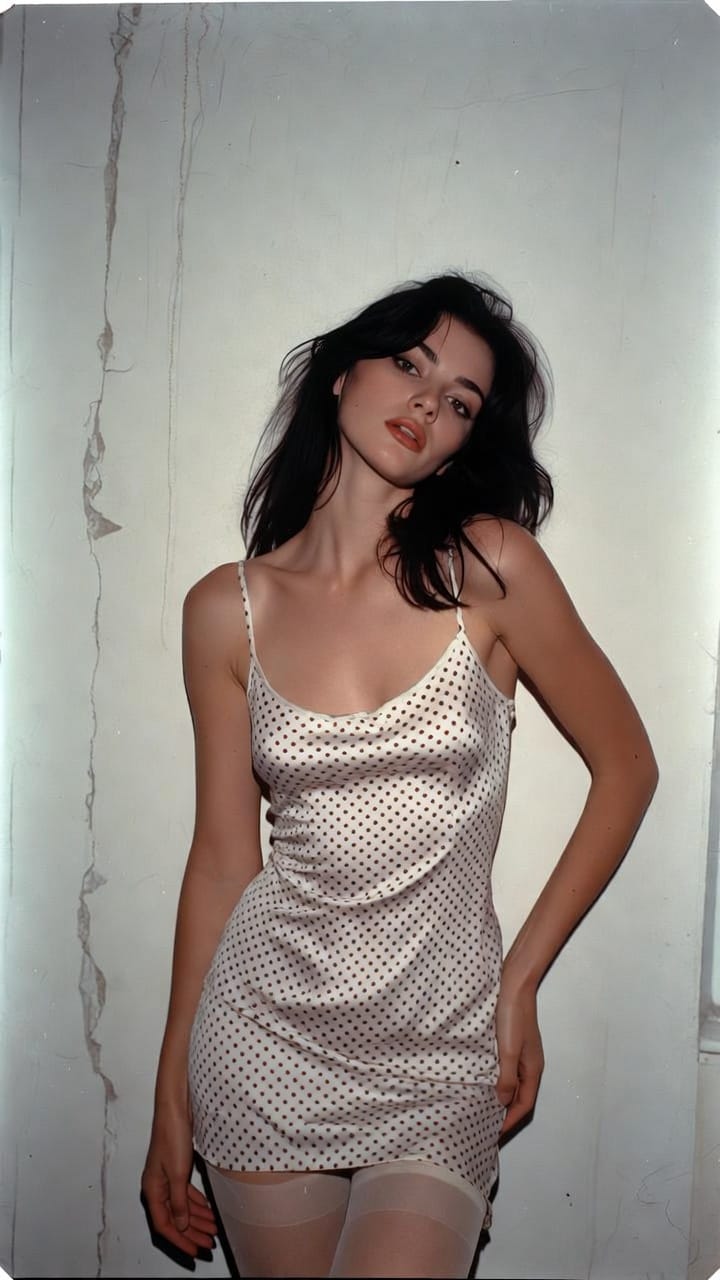
Making Cartoon Pet Portraits with AI
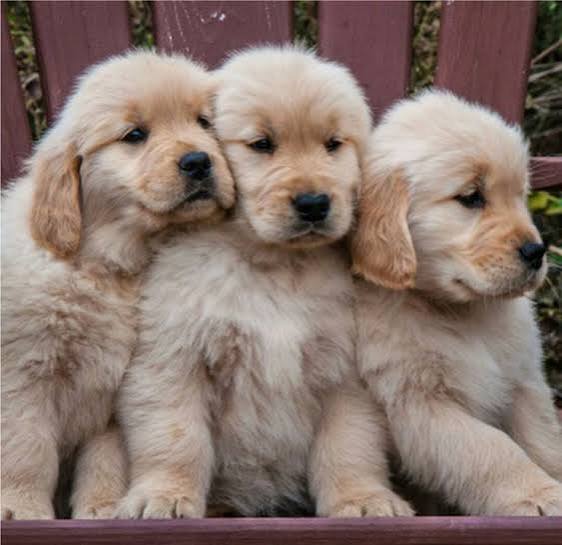
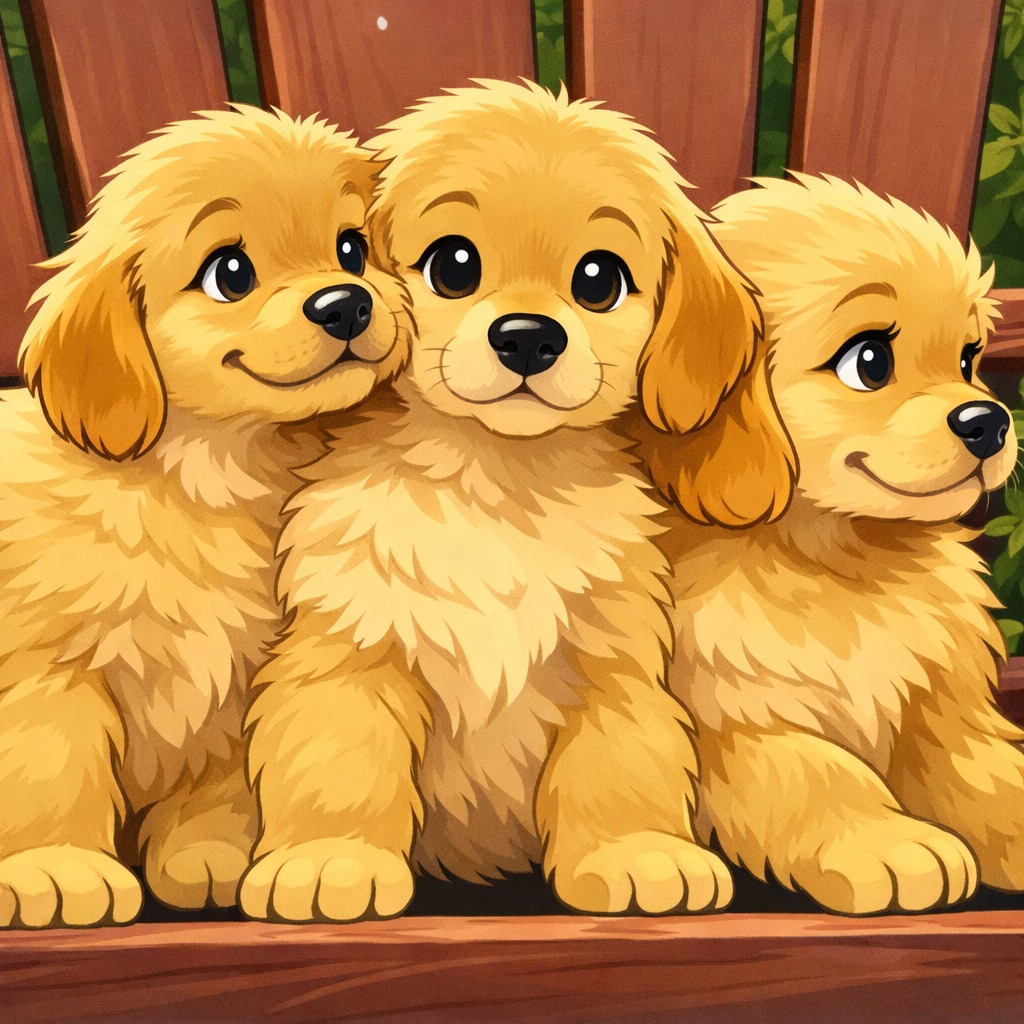
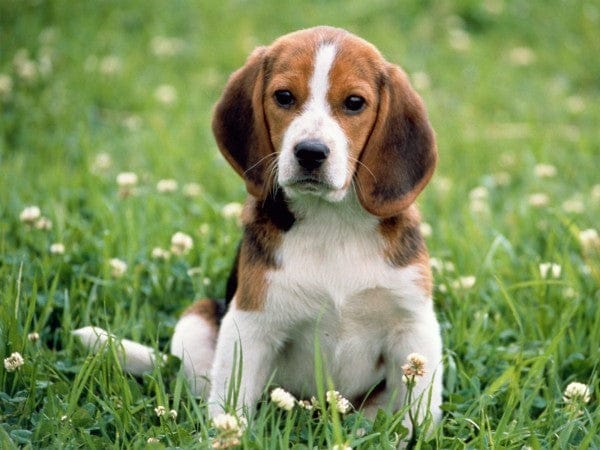
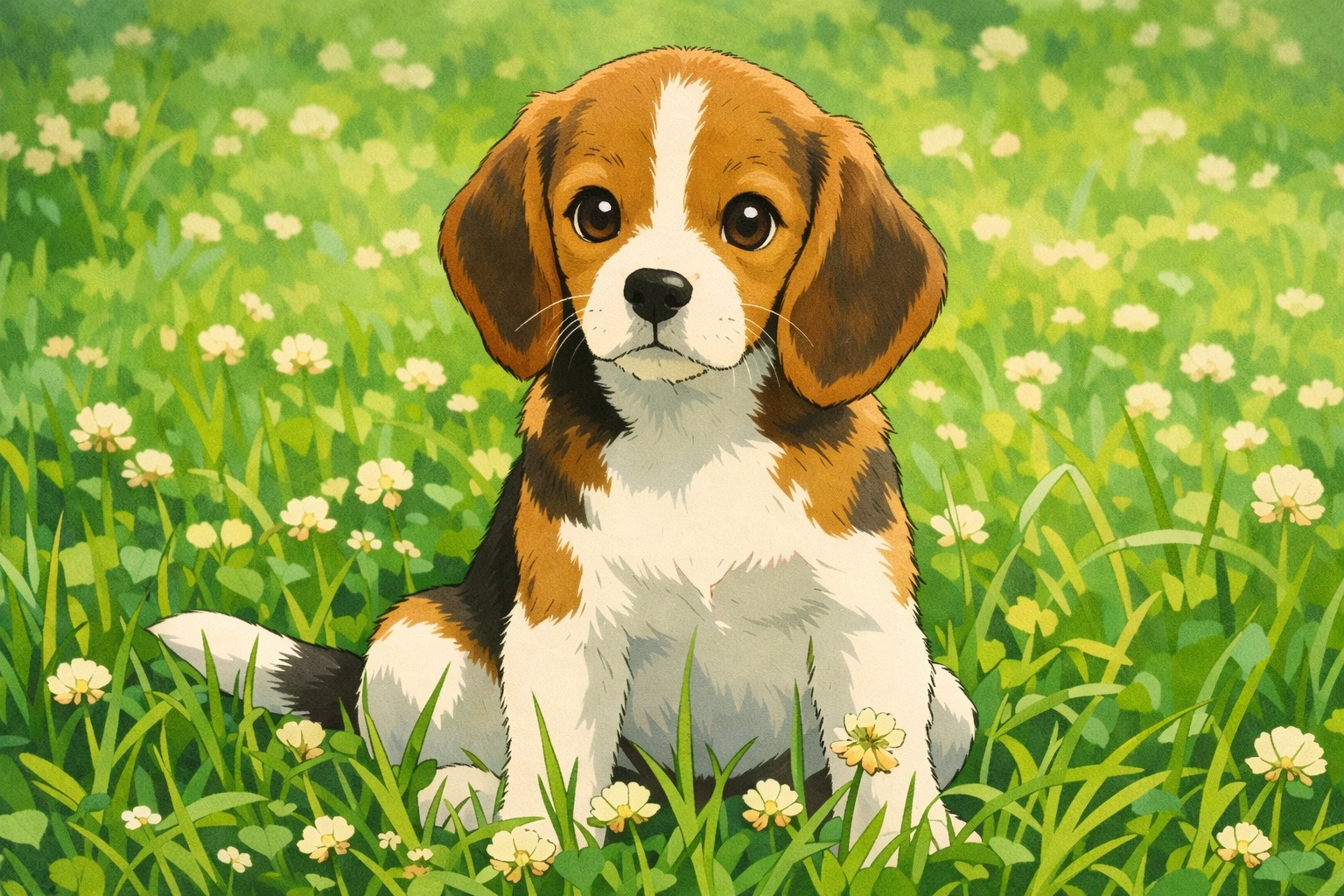
AI pet portraits work the same way as human portraits. Upload a clear photo of your dog, cat, rabbit or any other pet and describe the style you want. Photos where the pet faces the camera in good light give the most recognizable results.
Popular pet prompts include:
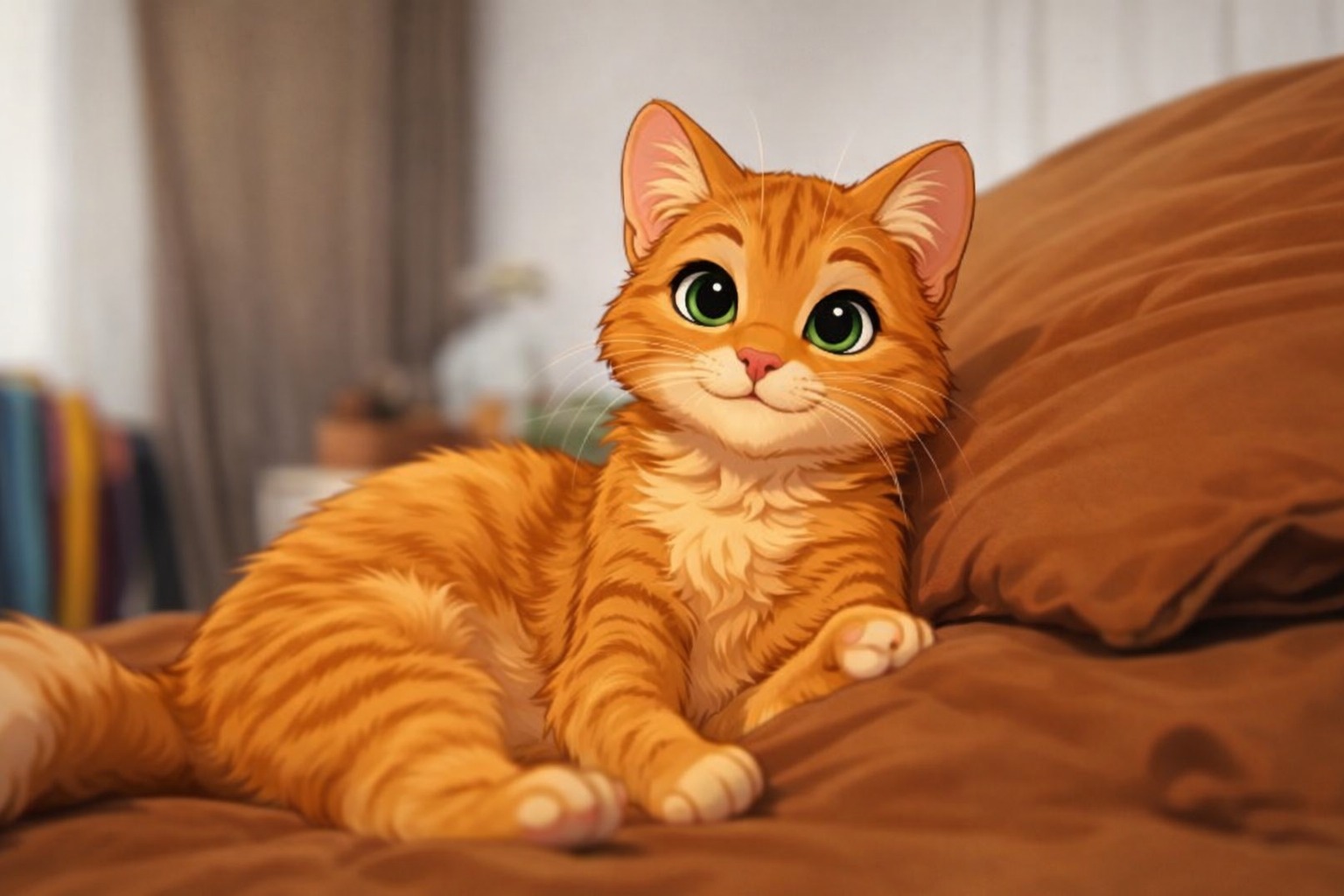
- “Cute cartoon pet portrait, 3D animated style”
- “90s cartoon version of my cat”
- “Hand-drawn anime pet in a sunny meadow”
- “Royal or superhero cartoon pet”
People use cartoon pet portraits for social media posts, profile pictures, greeting cards and small gifts. Markings, fur color and ear shape usually carry over well; if a detail gets lost, mention it in the prompt (for example, “white patch over the left eye”).
Tips for Better Results
- Use a sharp, well-lit photo with one main subject.
- Keep prompts short: one style plus one mood or setting.
- Crop out busy backgrounds if the face is small in the frame.
- In group photos, expect less detail per face than in a single portrait.
- If the result drifts, run it again with the same photo and a more specific prompt.
For more on how these tools work and where they are heading, see how AI photo-to-cartoon tools are changing digital identity.
Try It with Your Own Photo
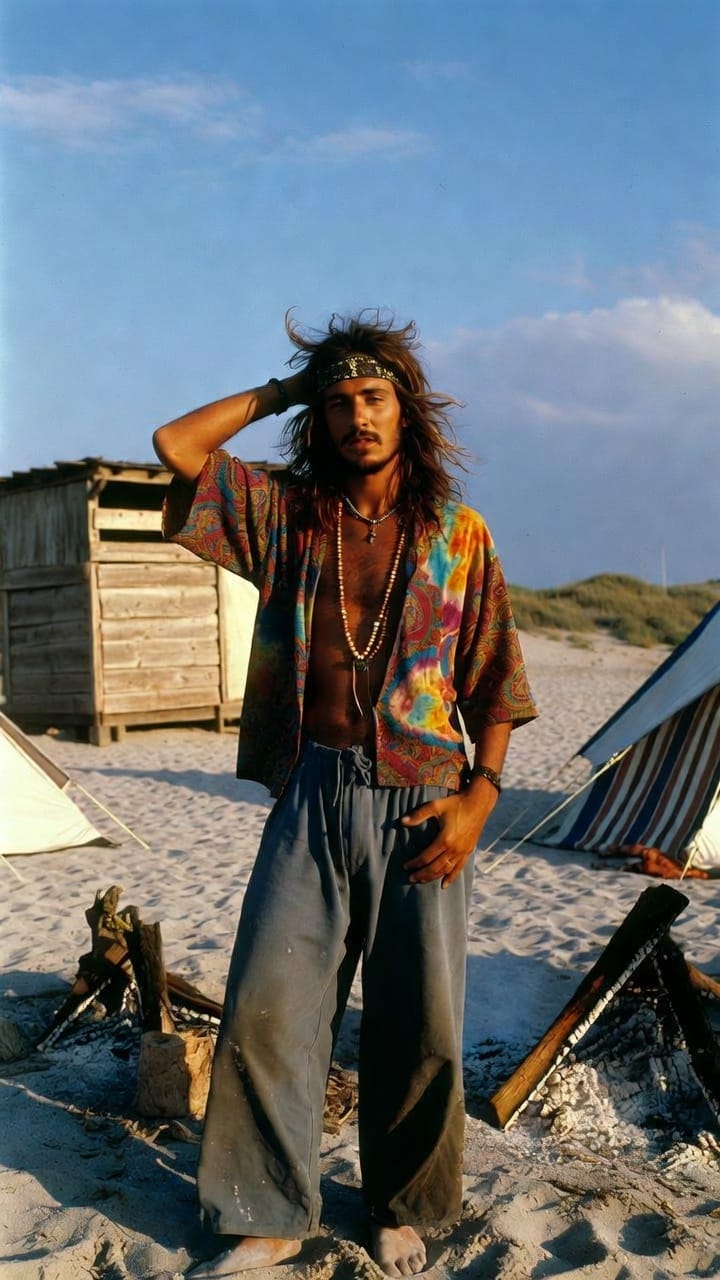
Pick a photo, choose a style from the list above and see how it turns out. Selfies, family photos and pets all work with the AI cartoon generator.
👉 Try Toonizer AI Cartoon Generator Free Now Launch Toonizer App →
If you share your results online, you can tag them with #ToonizerAI.
Which style are you most excited to try first — a retro human portrait or a cute pet cartoon? Drop your ideas in the comments below!

0 Comments